
Postman fits shared API workflows, Insomnia offers flexible storage choices, and Bruno suits teams that keep requests in Git. Choosing between these API testing tools depends on how your team works, especially where requests live and who maintains them.
For a SaaS business, sending a successful request is only the beginning. You also need repeatable tests, safe credentials, and clear failures before releases reach customers.
Start with the workflow differences, then compare costs and automation.
Postman vs Insomnia vs Bruno at a Glance
All three tools let you organize API requests and inspect responses. Each supports REST and GraphQL, so ordinary SaaS integration testing rarely makes protocol support the deciding factor.
Their biggest differences concern collaboration and storage.
| Tool | Strongest fit | Main consideration |
|---|---|---|
| Postman | Shared workspaces and broader API workflows | Free is single-user; team collaboration requires a paid plan |
| Insomnia | Developers choosing local, cloud, or Git storage | Free Git Sync supports up to three users |
| Bruno | Requests maintained alongside application code | Git-based collaboration requires repository discipline |
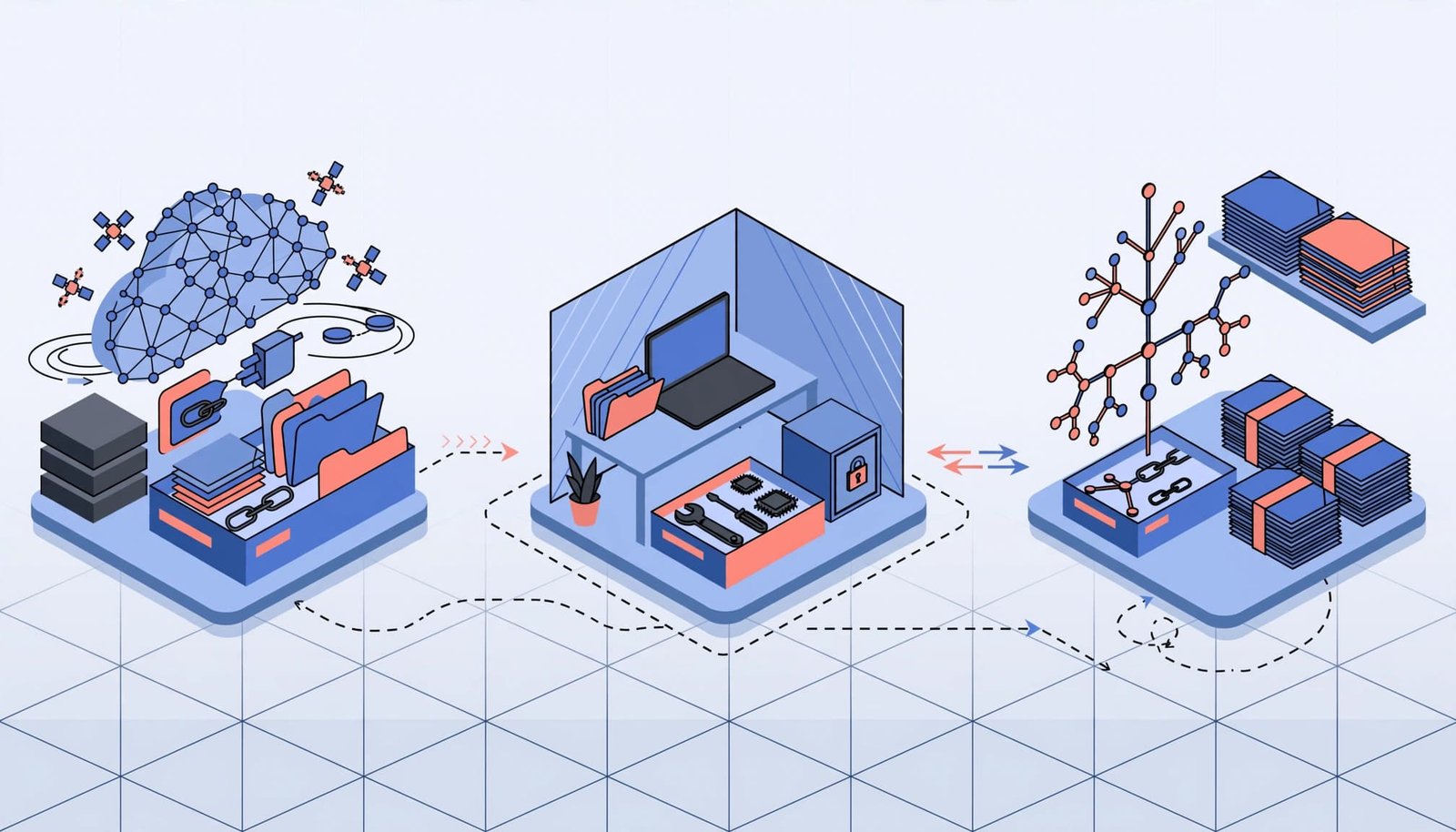
Postman makes sense when developers, QA, and other teammates need shared collections. Insomnia offers more storage choices within one client. Bruno puts request files at the center of the workflow.
These are starting points, not exclusive capabilities. Insomnia also supports Git, while Postman supports command-line automation. The distinction is which workflow creates the least ongoing work for your team.
Pricing and Free-Plan Limits
The following prices reflect October 2026. Compare the plan your workflow needs, rather than assuming every free tier supports equivalent collaboration.
Postman: Separate Individual and Team Plans
Postman’s pricing page lists Free at $0. Solo costs $9 per month billed annually, or $12 billed monthly.
Team costs $19 per user per month billed annually, or $23 billed monthly. Enterprise uses custom pricing.
Free is single-user. Therefore, a founder testing integrations alone has different requirements from a startup sharing collections across engineering and support. Solo remains an individual plan, so moving beyond one user means considering Team rather than buying Solo for collaboration.
Insomnia: Free Git Sync Has a User Limit
Insomnia’s pricing page lists Essentials at $0, Pro at $12 per user per month, and Enterprise at $45 per user per month.
Essentials includes Git Sync for up to three users. Without Git Sync, Essentials permits unlimited users. Pro extends Git Sync to all users.
That distinction matters for small engineering teams. A three-person Git workflow can fit Essentials, but adding another developer changes the plan calculation. Don’t equate unlimited users with unlimited free Git collaboration.
Bruno: Free Core With Paid Editions
Bruno’s pricing page lists Open Source at $0, Pro at $6 per user per month billed annually, and Ultimate at $11 per user per month billed annually.
The open-source edition lists two workspaces. Paid editions add capabilities, but a subscription isn’t automatically necessary for a Git-centered workflow.
Include maintenance in the budget, too. Someone still owns repository permissions, environment setup, and pipeline configuration. A lower license price helps only when the resulting workflow is manageable.
Storage and Collaboration Shape Daily Work
Collection storage affects onboarding, privacy, and how teams handle changes. Decide whether the request library belongs primarily in a shared workspace or alongside application code.
Shared Workspaces Versus Selectable Storage
Postman’s shared-workspace model suits teams that want one accessible place for requests and supporting API work. It can be useful when collaborators don’t regularly review pull requests.
Insomnia offers four storage modes: Local Vault, Scratch Pad, Cloud Sync, and Git Sync. Its storage documentation distinguishes these options. Scratch Pad works without an account, while Git Sync uses a third-party repository without routing through Kong’s cloud. Cloud Sync can use end-to-end encryption.
This flexibility helps when different projects have different storage requirements. However, teams still need a consistent rule for where approved collections belong.
Git-Native Files and Change Review
Bruno stores collections as local files designed for version control. That makes it a natural fit when request updates should accompany backend changes.
For example, a change to your SaaS billing endpoint can include its updated request and test assertions in the same pull request. Reviewers then see implementation and test changes together.
Insomnia also supports Git-based collaboration. Bruno’s distinction is making files and repositories the default organizing model.
Git adds review history, but it also adds responsibilities. Teams must resolve conflicts and keep private environment values out of committed files.
Testing and Automation Beyond the Send Button
A saved request is useful for exploration. A release test needs assertions that distinguish correct behavior from a response that merely arrived.
For a Stripe integration, test mode lets you exercise payment workflows without moving real money. Assertions should cover expected status codes and response fields, plus the application behavior those responses trigger.
For your own SaaS API, tenant isolation deserves explicit tests. An authenticated user must not retrieve another customer’s records. Likewise, invalid credentials should fail predictably.
Postman supports scripted tests and collection execution. Its current plans include unlimited manual collection-runner runs, while scheduled cloud execution has separate limits. Local execution and hosted scheduling are different purchasing decisions.
For CI, Postman offers command-line execution, Insomnia provides the Inso CLI, and Bruno has its own CLI. Bruno’s official repository also documents CLI Docker images for running collections without installing Node.js or npm on the host.

Treat command-line execution as a separate acceptance test. A collection that works on one laptop can still depend on missing variables or credentials in CI.
Finally, these clients aren’t substitutes for dedicated load testing or full browser tests. Checking an API response won’t prove that customers can complete checkout through your interface.
Security Depends on Your Configuration
Local storage reduces reliance on cloud collection storage, but it doesn’t eliminate exposure. Request files, screenshots, logs, and exported collections can all contain credentials or customer information.
Use staging credentials and synthetic records. Production payment keys, email-sending connections, and unrestricted customer data don’t belong in a routine test collection.
Keep secrets in an appropriate secret store or protected CI variables. Also limit test credentials to the permissions each scenario needs. A read-only integration test shouldn’t require administrative access.
A private Git repository still exposes committed secrets to everyone who can read it, including future collaborators and automated jobs.
Storage settings deserve attention before a collection becomes shared. Insomnia’s local, cloud, and Git modes have different data paths. Bruno’s local files still require access controls and backups.
If you use AI-assisted features, apply your organization’s privacy rules to prompts and attached payloads. Vendor agreements, retention, and data residency matter when sensitive information leaves your environment.
Which API Testing Tools Fit Your SaaS Team?
The practical choice depends on who creates requests, who reviews them, and where test results need to appear.
Solo Developers and No-Code Builders
Postman Free is a reasonable starting point for a founder exploring REST APIs or troubleshooting an automation integration. Its single-user restriction may not matter at this stage.
Insomnia suits developers who want explicit storage choices. Bruno fits solo builders who already work comfortably with Git.
For no-code workflows, prioritize readable responses and reusable authentication settings. An API client helps diagnose failures, but it doesn’t replace logging and error handling inside your automation platform.
SaaS Teams Sharing Requests Across Roles
Postman Team is a strong candidate when engineering, QA, and support need a shared request library. The subscription can make sense when workspace collaboration reduces manual handoffs.
Insomnia deserves consideration when developers need local and Git options without abandoning a single client. Its three-user free Git limit is useful for a small squad.
Before selecting either, define collection ownership. Shared access won’t prevent outdated requests if nobody maintains them after API changes.
Teams That Review Tests in Git
Bruno is a strong starting point when API requests should follow the same branching and approval process as backend code.
Insomnia remains a viable option because it supports Git Sync. Compare how each handles your actual repository and collection structure.
For these teams, the important result is a reviewable change with repeatable execution. Prefer the client that makes updating tests alongside code routine, without creating a second source of truth.
Run a Small, Comparable Pilot
A focused pilot reveals more than comparing feature lists. Use the same non-production requests in each shortlisted tool, and assign one person to record results.
Include an authenticated read, a write operation, and a failure scenario relevant to your product. For payments, use Stripe test mode. For CRM integrations, use controlled contacts and sandbox credentials.
Run the evaluation in this order:
- Import or recreate the same small collection, then separate staging settings from secrets.
- Add assertions for expected responses and at least one permission failure.
- Share the collection through your intended workspace or Git process, then have another teammate run it.
- Execute the collection in CI and deliberately break an assertion to test failure reporting.
- Rotate a test credential and record how much work recovery requires.
Measure setup time, teammate onboarding, and how quickly a failed run becomes understandable. Also record the paid plan needed for the complete workflow.
Pay attention to usability with your real collection size. Editing one request doesn’t reveal how navigation feels across a large library.
Migration needs a separate pass. Imported requests can preserve basic structure while requiring changes to scripts, variables, or authentication. Successful import alone doesn’t establish equivalent behavior.
Frequently Asked Questions
Can Insomnia and Bruno Replace Postman?
Both can replace Postman for many request-building and API testing workflows. The decision depends on collaboration, scripts, authentication, and automation requirements.
A team relying on shared Postman workspaces has a different migration task from someone maintaining a few personal requests. Move a representative collection first, including its assertions and environment settings.
Which Option Works Without Cloud Collection Storage?
Bruno uses local collection files. Insomnia offers Local Vault and account-free Scratch Pad, plus Git Sync through a third-party repository.
However, local collection storage doesn’t stop requests reaching the API you’re testing. It also doesn’t prevent credentials appearing in local logs or committed files.
Choose the Workflow You Can Maintain
Postman suits shared API work, Insomnia offers flexible storage, and Bruno fits repository-centered testing. Their free tiers and collaboration limits make them different starting points.
Choose around repeatable team behavior, then use a small pilot to expose setup costs and failure-handling gaps.
The right tool makes it straightforward to update a test, run it safely, and understand why it failed.