Pretty homepages are cheap. Running a SaaS marketing site is where the real costs show up.
If you’re comparing Webflow, Framer, and WordPress in 2026, the key issue is not who can launch the prettiest page. It’s which system lets your team publish fast, manage content cleanly, protect SEO, and keep experiments moving without constant developer help.
That operating view matters more than a feature checklist. Start there, and the tradeoffs get clearer.
What matters when a SaaS site has to grow
A SaaS marketing site rarely stays small for long. Pricing changes. Case studies pile up. SEO needs repeatable page templates. Sales asks for regional variants. Growth wants new campaign pages live this week.
So judge each platform on daily work, not launch day polish.
Pick the platform your team can run on a busy Tuesday, not the one that looked best in a demo.
CMS flexibility comes first. If your site will include comparison pages, integration pages, customer stories, and a blog, your content model can’t be an afterthought. Webflow has improved here in 2026, with broader CMS limits and better support for nested content. WordPress still has the most freedom, especially with custom fields and plugins. Framer works best when content stays lighter and simpler.
Next comes page-building speed. Framer is often the fastest way to publish a polished landing page. Webflow is slower at first, but it gives marketers more structure once the design system is in place. WordPress can also move fast, although that depends heavily on the theme, builder, and plugin setup.
Then look at performance control, SEO workflow, localization, and experimentation. Webflow gives a strong hosted baseline. Framer keeps the stack light for simple sites. WordPress gives deep control, but that also means more setup decisions. If technical SEO, conversion optimization, and content operations matter to your growth plan, those differences show up fast.
How Webflow, Framer, and WordPress compare in practice
Webflow is the middle ground for many SaaS teams. It gives designers real layout control, marketers a usable CMS, and leaders a more predictable hosted setup. As of April 2026, its site plans and pricing page still separate brochure hosting from CMS-heavy builds, which matters if your blog and landing pages live on the same domain. Its 2026 CMS expansion also helps teams manage richer page types without bolting on more tools.
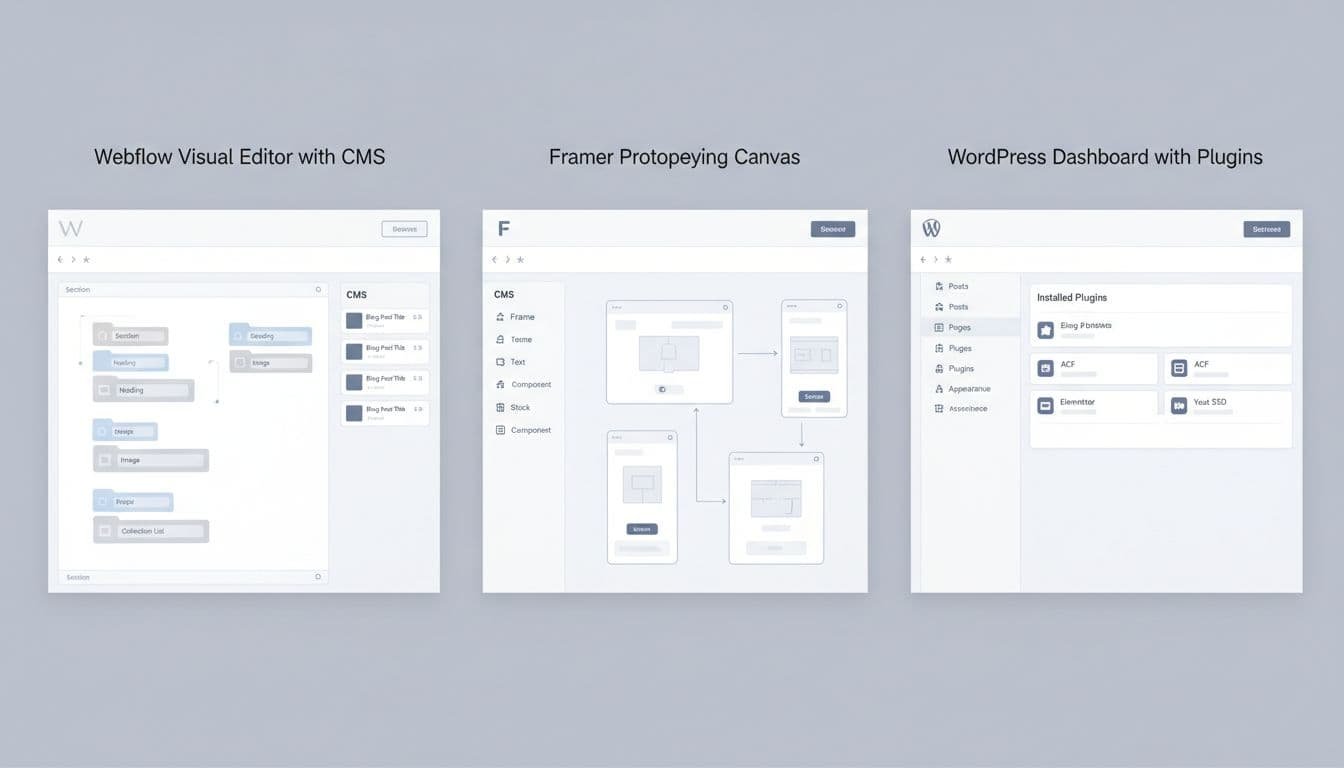
Framer is the fastest route to a design-forward launch. If your team lives in Figma and cares about motion, it feels natural. Current Framer pricing also shows roles, relational CMS, redirects, and add-ons for A/B testing and multiple locales on higher plans. Still, Framer stays strongest when the site is modest in size and the content model is not too deep.
WordPress remains the most flexible option. That matters when your marketing site is closer to a content system than a brochure site. You can shape it around custom fields, taxonomies, gated content, and almost any integration. The tradeoff is operational load. A realistic WordPress cost breakdown usually includes hosting, premium plugins, security, and upkeep, not only the free core. Localization is also possible, but it often depends on more plugins and more process.
A quick side-by-side view helps:
| Platform | Best fit | Strong points | Main tradeoff |
|---|---|---|---|
| Webflow | Growing SaaS teams | Strong visual control, hosted performance, better marketer autonomy | Higher learning curve, some lock-in around CMS structure |
| Framer | Lean launch sites | Fastest page creation, polished interactions, low setup friction | Lighter CMS, weaker long-term path for large content sets |
| WordPress | Content-heavy programs | Deep CMS flexibility, huge integration range, broad SEO tooling | More maintenance, more plugin risk, more dev or ops input |
For integrations, WordPress casts the widest net. Webflow covers most common SaaS needs cleanly. Framer can connect to key tools, but it is still the lightest option of the three.
Choose based on team shape, not brand preference
If you want a cleaner decision framework, start with the people who will run the site after launch.
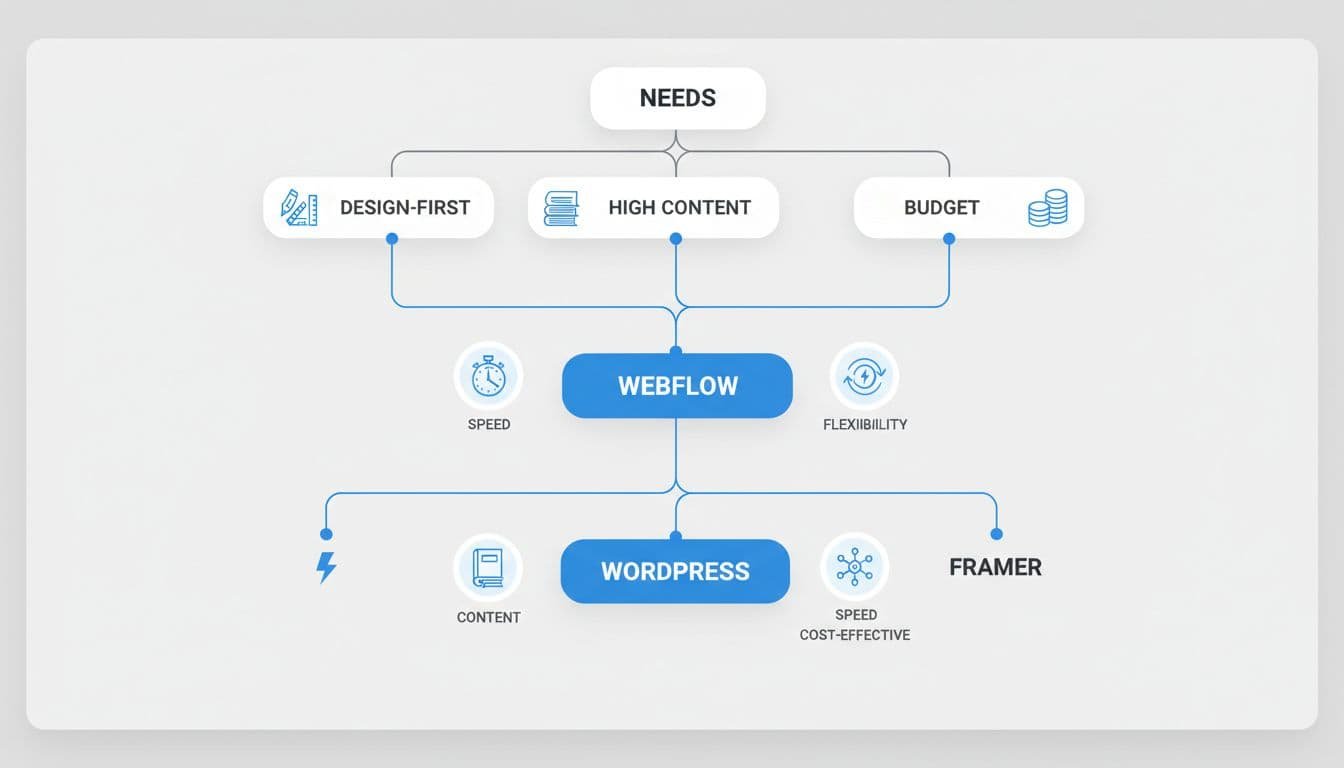
- Choose Webflow if your growth team needs to ship pages often, keep developers out of routine updates, and still maintain solid structure for SEO, localization, and scale.
- Choose Framer if your main goal is a high-converting launch site, your page count is modest, and design speed matters more than long-term CMS depth.
- Choose WordPress if content is your moat, your stack needs unusual integrations, or you want the broadest control over hosting and architecture.
This is where the Webflow vs Framer vs WordPress choice gets practical. A solo founder may value Framer’s speed. A small growth team often leans toward Webflow because marketing can operate it daily. A content-led business with a heavy blog, partner pages, and custom workflows may still prefer WordPress.
If you’re unsure, map one quarter of work. Count new pages, edits, locales, experiments, forms, and CMS items. The platform that makes that quarter feel boring is usually the right one.
Common mistakes and migration risks
The most common mistake is choosing from the homepage outward. Teams fall for animation quality, then discover the CMS can’t support comparison pages, case studies, or localized content cleanly. Another mistake is treating SEO as metadata only. Good SEO workflow depends on templates, redirects, schema control, speed, and clean publishing habits.
Teams also underestimate maintenance. WordPress can look cheap until plugin conflicts, hosting issues, and security work become part of the weekly routine. Framer can feel perfect until the site grows past its first purpose. Webflow can feel all-in-one until a team realizes the content model was set up too narrowly.
Migration risk matters because every platform creates path dependence. Framer’s lighter system can make a future move more likely if content operations expand. Webflow lets you export front-end code, but CMS relationships, forms, and site logic do not move over as neatly. WordPress feels portable, yet a site built around many plugins can be the hardest one to untangle.
Set URL rules, redirects, CMS fields, localization rules, and testing tools early. That one step will make any future website migration much less painful.
Conclusion
The right platform is the one your team can operate well after the launch rush fades. For many SaaS companies in 2026, Webflow is the safest balance of speed, control, and lower maintenance.
Still, balance is not always the goal. Framer fits smaller, design-led launches, while WordPress still earns its place when content complexity and system flexibility matter more than upkeep.
Pick the tool that matches your operating model, not your favorite demo. That decision will hold up much longer.
