An employee can lose access to their company identity provider while keeping an active session in your SaaS. SCIM user provisioning helps close that gap by connecting directory changes to your application’s user lifecycle.
For B2B teams, reliable provisioning depends on clear tenant boundaries, predictable updates, and offboarding that removes access.
Start with the ownership model, then build the API around the operations your first customer’s identity provider will send.
1. Understand SCIM 2.0 and Each System’s Role
SCIM means System for Cross-domain Identity Management. Version 2.0 defines JSON resource schemas and an HTTP protocol for exchanging identity data.
The identity provider sends provisioning requests
In a typical enterprise integration, Okta or Microsoft Entra ID acts as the SCIM client. It sends requests when administrators assign users, change attributes, or remove access.
Your SaaS application is the SCIM service provider. It receives those requests and translates them into local user and membership changes.
Keep this terminology separate from SAML, where “service provider” describes the application receiving authentication assertions.
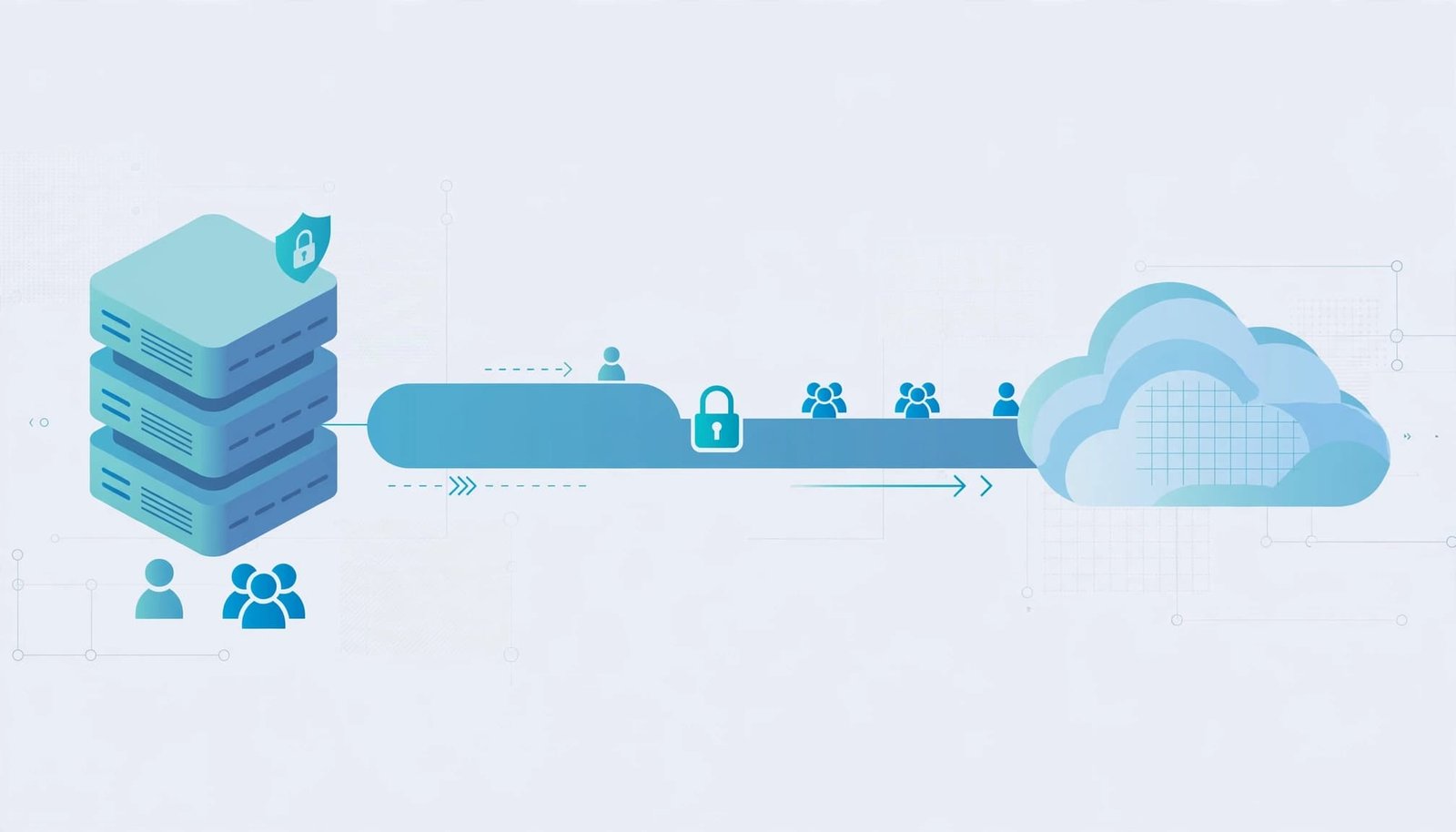
Provisioning and authentication have different responsibilities
SSO authenticates a person. SCIM creates, updates, and deactivates directory-managed resources. Your application still controls organization membership, permissions, and sessions.
Just-in-time provisioning creates users during login, so it cannot replace an offboarding workflow. An inactive directory-managed membership must stay inactive even after a successful SSO login.
Choose one reference client first, usually the provider your pilot customer already uses. Avoid committing to SCIM alongside a rushed SSO release before these lifecycle rules exist.
2. Define Tenant Boundaries and Resource Schemas
Before implementing handlers, create a provisioning-connection record containing the tenant ID, credential reference, connection status, and supported configuration. Store it in your database rather than hardcoding customer settings.
Separate directory identities from global accounts
For multi-organization users, keep the global account separate from tenant memberships and directory identities.
Map a SCIM resource to its provisioning connection and local membership. Deactivating that resource should affect the associated organization, not unrelated customer workspaces.
Generate an opaque, stable id for each resource. Never recycle it or substitute an email address, because email can change.
Store externalId when provided. Treat it as the client’s identifier, scoped to its provisioning connection.
Map attributes deliberately
The SCIM core schema specification requires userName for Users and displayName for Groups. It also defines the Boolean active attribute.
Start with userName, name.givenName, name.familyName, emails, and active. Include the appropriate schema identifier in schemas, such as urn:ietf:params:scim:schemas:core:2.0:User.
Document case comparison, uniqueness, and attribute ownership. Directory-managed fields shouldn’t drift through unrestricted local edits.
Don’t automatically merge an existing account because its email matches an incoming resource. Apply an explicit account-linking policy and reject ambiguous matches. This protects existing customers during their first directory import.
3. Design Endpoints, Discovery, and Queries
Use a versioned base path such as /scim/v2. Process SCIM JSON with the application/scim+json media type rather than returning your application’s usual API envelope.
Implement these resource routes for your supported lifecycle:
| Operation | User route | Successful response |
|---|---|---|
| Create | POST /Users | 201 Created |
| Read | GET /Users/{id} | 200 OK |
| Search | GET /Users | 200 OK, ListResponse |
| Replace | PUT /Users/{id} | 200 OK |
| Partial update | PATCH /Users/{id} | 200 OK with updated resource |
| Delete | DELETE /Users/{id} | 204 No Content |
Provide equivalent Group routes when supporting group provisioning. The table selects resource-returning update responses; don’t assume every client handles alternative responses identically.
Publish accurate discovery metadata
Expose /ServiceProviderConfig, /ResourceTypes, and /Schemas. Describe your schemas, endpoints, and supported capabilities consistently.
PATCH, filtering, sorting, bulk operations, and ETags aren’t universally supported. Advertise only what you’ve implemented. WorkOS’s SCIM schema discovery guide describes how clients inspect this metadata.
Implement lookup and pagination
Identity providers commonly search before creating users. Support the filter expressions your target client requires through a parser, never raw SQL concatenation.
Return collection results using urn:ietf:params:scim:api:messages:2.0:ListResponse, with Resources, totalResults, startIndex, and itemsPerPage.
Pagination starts at index 1. Use deterministic ordering and bounded page sizes. An unmatched search returns an empty collection, whereas an unknown resource ID returns 404.
4. Authenticate Requests and Authorize Every Resource
SCIM doesn’t mandate one authentication mechanism. HTTPS protects transport, while your deployment selects credentials and authorization rules.
Bind credentials to one tenant
A practical starting point is a high-entropy bearer token issued to a customer administrator. This is an implementation recommendation, not a SCIM requirement.
Store a verifier rather than the plaintext token when your validation design permits it. Support revocation and rotation, and never put credentials in application logs.
Resolve tenant context from the validated connection. Don’t trust a body attribute or an arbitrary tenant header to select the organization.
Authorize every resource read and mutation against that connection’s tenant. A valid token must never access another customer’s users or groups.
Keep provisioning separate from privilege assignment
Creating a User shouldn’t automatically grant administrator access.
If groups control product roles, maintain an explicit tenant-scoped mapping between directory groups and application permissions. Give new memberships the minimum approved access.
Also set request-size limits and rate limits. Reject malformed payloads before expensive database work, and protect administrator-facing setup screens with separate application authorization.
Provisioning credentials manage identities, but they shouldn’t become general-purpose administrative API keys.
5. Implement User and Group Lifecycle Changes
Validate requests against your supported schemas, then translate them into application changes inside transactions.
Handle creation, replacement, and PATCH correctly
For creation, assign the server-owned id and return the created resource with a Location header.
Treat PUT as replacement, not a partial merge. Omitted writable attributes become unassigned under SCIM’s replacement rules; read-only attributes remain server-controlled.
PATCH uses the PatchOp schema and ordered add, remove, or replace operations. Support the paths and pathless operations your reference client sends.
For example, this request body deactivates a User:
{
  "schemas": ["urn:ietf:params:scim:api:messages:2.0:PatchOp"],
  "Operations": [
    {
      "op": "replace",
      "path": "active",
      "value": false
    }
  ]
}
Apply the entire PATCH atomically. If a later operation fails, roll back earlier operations.
Make deprovisioning remove effective access
active:false and DELETE are separate operations. Define how each affects membership, data retention, and future reactivation.
On deactivation, deny new access and invalidate tenant access in existing sessions. Address tenant-scoped API credentials too. Short-lived tokens still need an offboarding strategy.
Preserve unrelated memberships when the person belongs to multiple organizations.
For Groups, validate every member reference against the same tenant. Apply membership additions and removals without treating a partial change as complete replacement.
Group removal should revoke permissions derived from that group while preserving independently granted permissions.
If external cleanup runs asynchronously, commit the access denial first and enqueue follow-up work durably. Don’t report success while authorization still permits access.
6. Handle Retries, Conflicts, and SCIM Errors
Provisioning clients retry requests after timeouts. Your server needs to remain consistent even when the first response never reaches the client.
Prevent duplicate identities and side effects
Enforce uniqueness with database constraints, not only application checks. Within each tenant’s resource set, enforce the schema’s userName uniqueness rules.
POST isn’t inherently idempotent. A repeated create can produce a 409 uniqueness conflict, after which the client can recover through lookup.
Don’t silently convert every create into an email-based upsert. That can attach a directory identity to the wrong account.
Make repeat deactivation harmless and deduplicate downstream notifications. However, evaluate PATCH retries by operation: removing a nonexistent target can require a noTarget error.
If you advertise ETags, implement conditional writes and return 412 when If-Match fails.
Return protocol-shaped failures
Follow the SCIM protocol’s error rules, including the Error schema identifier and a string-valued status.
Use an appropriate scimType, such as uniqueness, invalidFilter, or mutability, when applicable.
Keep status codes meaningful: 401 for invalid authentication, 403 for denied authorization, and 400 for invalid requests.
Include safe diagnostic details, but exclude secrets, database traces, and unrelated identity data. Log a correlation ID alongside the tenant, connection, operation, resource ID, and result.
7. Test Interoperability Before Customer Rollout
Unit tests establish protocol behavior. A real identity-provider sandbox reveals the request formats and sequences your application must handle.

Run the complete employee lifecycle
Configure a sandbox application with your endpoint and credential. For Okta, compare your behavior with its SCIM 2.0 integration guidance.
Run these scenarios before enabling customer traffic:
- Assign a user and confirm one resource and one intended membership.
- Change their email and confirm the SCIM
idstays unchanged. - Add and remove group membership, checking effective permissions.
- Deactivate the user and verify existing sessions lose tenant access.
- Reactivate the user and confirm permissions follow your documented policy.
Test PUT and multiple PATCH shapes, including filtered member paths and pathless changes. Then repeat interoperability testing with Microsoft Entra ID before claiming compatibility.
Exercise failures and stage the rollout
Test invalid tokens, cross-tenant IDs, duplicate creates, empty searches, pagination boundaries, and a failing second PATCH operation.
Also simulate a timeout after database commit, credential rotation, and concurrent updates. Assert both stored state and effective access.
Pilot behind a per-organization flag. Give administrators clear setup instructions, connection status, and a diagnostics panel with safe error details.
Track provisioning failures and deactivation completion. Expand only after the pilot proves that offboarding works without manual cleanup.
Build Around Safe Access Removal
Reliable SCIM user provisioning starts with tenant-aware identity records and ends with verified access removal. Standards-compliant endpoints matter, but your membership and session rules determine whether offboarding succeeds.
Start with one identity provider, accurate capability discovery, and tested lifecycle operations. Treat deprovisioning correctness as a release requirement, then expand compatibility without weakening those boundaries.