
Platform Events support an event-driven architecture that lets your SaaS react to business events asynchronously, without making Salesforce wait for downstream systems. A reliable setup combines an event definition, a publisher, authorized subscribers, and durable recovery.
For a small team, the event is only the starting point. Duplicate handling, permissions, and replay determine whether a billing handoff survives an outage.
Start with one business milestone and define what should happen when delivery repeats or fails.
Key Takeaways
- Use Platform Events for business messages, such as a completed sale, and Change Data Capture for record-change synchronization.
- Choose Publish After Commit when subscribers depend on saved Salesforce records.
- Save replay checkpoints after durable handling, and make downstream actions idempotent.
- Monitor publishing, delivery, and processing separately.
How Salesforce Platform Events Work
Salesforce introduced Platform Events in Summer ’17. They provide a publish/subscribe framework for near-real-time communication inside Salesforce and with external applications.
A publisher creates a message. The event bus temporarily retains it. Salesforce’s event bus then routes it to independent subscribers. They receive and process it without requiring the publisher to know their implementation, which supports loose coupling.
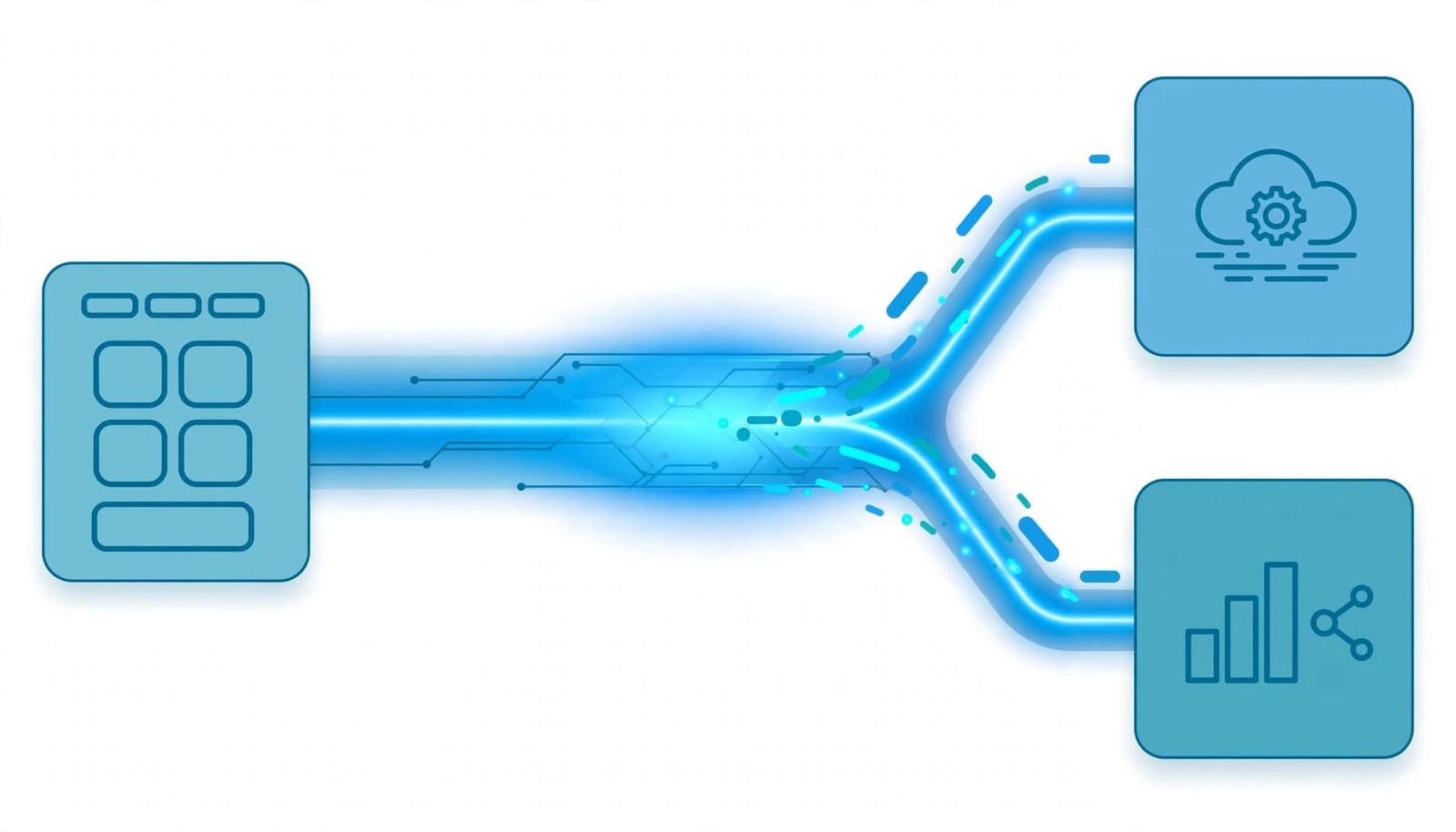
For example, one sale event can trigger billing, fulfillment, and a Lightning interface update. However, publishing doesn’t prove that any subscriber completed its work. Salesforce’s Pub/Sub API introduction explains the external event-streaming model.
Define the Event in Salesforce Setup
Create a small event contract
In Setup > Platform Events, select New Platform Event. Enter the label and object name, select the publish behavior, and save.
Create Deal_Won__e with these custom fields:
| Field | Type | Purpose |
|---|---|---|
Opportunity_Id__c | Text(18) | Identifies the source sale |
Operation_Id__c | Text(100) | Identifies the business operation |
Amount__c | Number | Carries the agreed amount |
The __e suffix identifies platform event API names; Custom Objects use the __c suffix. Supported field types include Checkbox, Date, Date/Time, Number, Text, and Text Area (Long).
Define field ownership and null handling before connecting consumers. If multiple currencies apply, include currency information alongside the amount.
Select the transaction behavior
Publish After Commit dispatches the event only after the publishing transaction commits successfully. Use it when a billing subscriber needs an opportunity that has already been saved.
Publish Immediately can publish before the transaction finishes, even if that transaction later rolls back. It’s useful for diagnostics, but subscribers might receive messages about changes that never commit.
This event-definition setting doesn’t govern publication through Pub/Sub API.
Publish a Closed-Won Opportunity Event
Build the publisher with Flow
For a one-time billing handoff, use an after-save record-triggered Flow:
- Select Opportunity as the triggering object and run when a record is created or updated.
- Set the entry condition to
IsWon = True. For updates, choose to run only when the record meets the conditions. - Optimize for Actions and Related Records, then add Create Records targeting
Deal_Won__e. - Map the opportunity ID, amount, and operation identifier. Connect the fault path to your error-handling process, then test and activate.
For a one-time handoff, the opportunity ID plus a fixed billing-action suffix can identify the operation. If reopened opportunities need another billable action, assign a distinct operation identifier.
Use Flow for new declarative automation. Legacy Process Builder configurations can publish or react to events, but they aren’t the choice for new builds.
Publish through Apex or an API
In Apex, call EventBus.publish(). With opp and operationId already defined, the statement is:
Database.SaveResult result = EventBus.publish(new Deal_Won__e(Opportunity_Id__c = opp.Id, Operation_Id__c = operationId, Amount__c = opp.Amount));
Inspect result for enqueueing errors. Success confirms initial acceptance, not final publication or subscriber completion. Apex publish callbacks can track final publication results.
An external application can obtain an OAuth access token and use the Salesforce REST API to send event field values as JSON to POST /services/data/v66.0/sobjects/Deal_Won__e/, with a bearer authorization header. SOAP and Pub/Sub API also support publishing.
Subscribe and Complete the SaaS Handoff
Connect external billing and fulfillment
Subscribe to /event/Deal_Won__e through Pub/Sub API or Streaming API with CometD.
Pub/Sub API uses gRPC over HTTP/2 and Avro payloads. Retrieve the schema through GetSchema and decode messages using their schema IDs. Cache schemas, but fetch unfamiliar versions before decoding.
A generic webhook trigger can’t consume this stream directly. Your connector or middleware must support the subscription protocol.
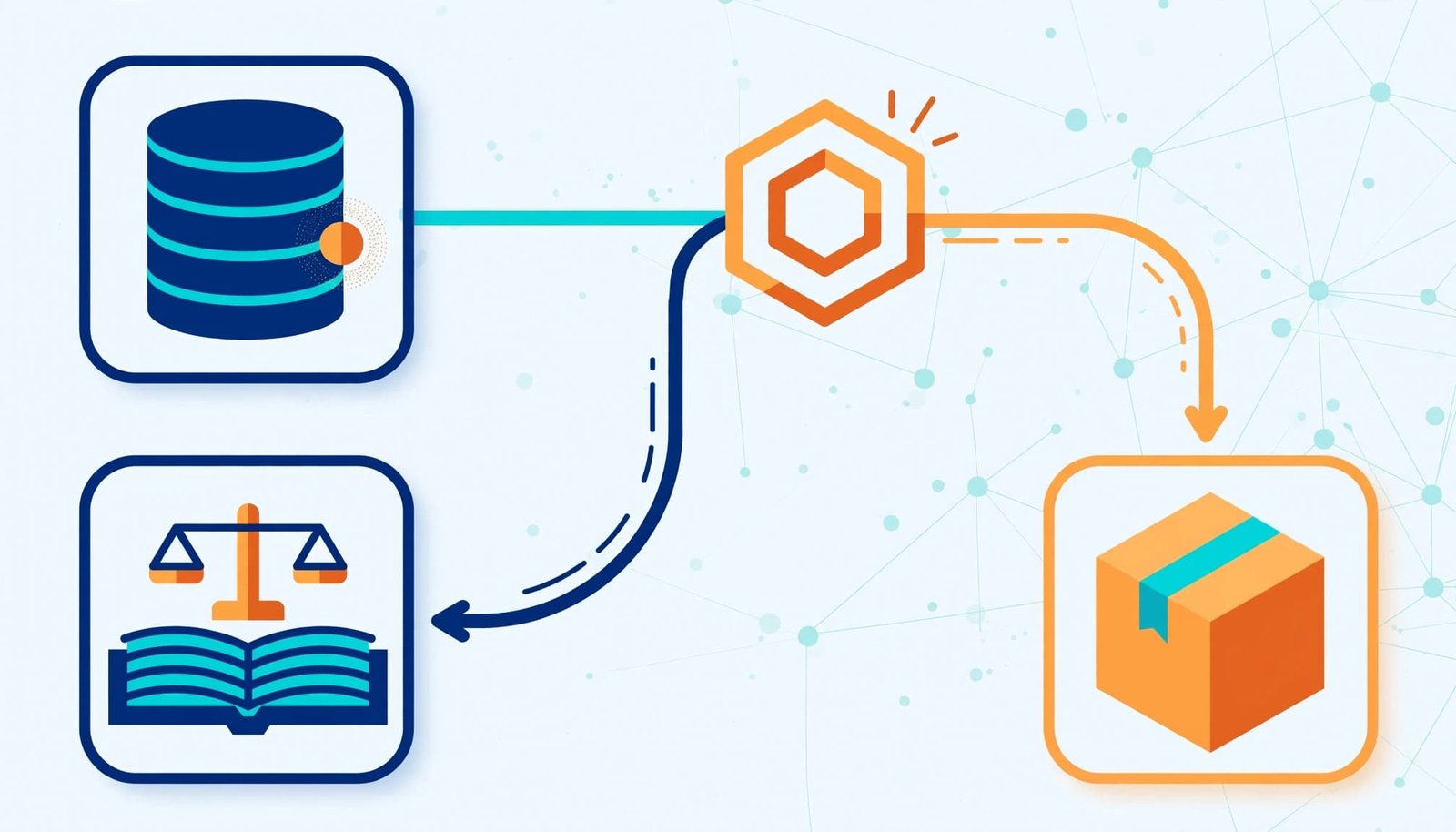
For durable subscriptions, the integration client must persist its replay position and processing state. This doesn’t extend Salesforce event retention or guarantee exactly-once delivery.
Persist incoming messages before processing them. Then let separate workers create billing records and fulfillment requests. This keeps a billing outage from blocking Salesforce or the other subscriber.
Add Salesforce-side subscribers when needed
An Apex trigger runs after insert on Deal_Won__e and receives events through Trigger.new. Bulk-process that collection rather than querying or writing once per message.
For transient trigger failures, EventBus.RetryableException supports platform-managed retries. Apex resume checkpoints help recover trigger execution after failures; these differ from external replay checkpoints.
A platform event-triggered Flow can automate Salesforce actions without Apex. Lightning Web Components can subscribe through lightning/empApi. Each subscriber still needs its own failure-handling strategy.
Make Replay and Retries Safe
Store the right checkpoint
High-volume platform events remain available for 72 hours. Legacy standard-volume events remain available for 24 hours. Salesforce’s event durability documentation describes these recovery windows.
Each event has a ReplayId for its stream position and an EventUuid identifying the message. Pub/Sub replay IDs are opaque bytes. Preserve them losslessly; don’t increment them or use them as record IDs.
For Pub/Sub API, LATEST starts with new messages, EARLIEST starts with retained messages, and CUSTOM resumes after a supplied replay ID. CometD subscribers can also store a replay position and resume after downtime.
Apex event triggers use Salesforce-managed resume checkpoints, separate from an external subscriber’s saved position. Call EventBus.TriggerContext.currentContext().setResumeCheckpoint() to set a checkpoint. Salesforce retries a failed trigger up to nine times and resumes from the latest checkpoint.
Save an external subscriber’s checkpoint after durable processing or durable queue storage. Advancing it earlier can permanently skip work after a crash. If the position has expired, reconcile against Salesforce records and establish a new baseline.
Prevent duplicate business effects
Design for redelivery. Platform Events don’t provide exactly-once end-to-end processing.
Deduplicate received messages using the Salesforce organization ID and EventUuid. Also enforce business-level uniqueness using Operation_Id__c, because republishing an operation can produce a new event UUID.
For billing, preserve the same downstream idempotency key across retries. Record processing status and the provider’s result before marking work complete.
A saved replay position proves where consumption reached. It doesn’t prove that an invoice or fulfillment request succeeded.
Retry transient failures with backoff. Route permanent failures to a durable exception queue.
Set Permissions and Monitor Limits
Authorize the integration narrowly
Publishers need Create permission on the event object, and subscribers need Read permission. External clients also need API access and valid OAuth authorization.
Use a dedicated integration identity with only the permissions it needs. Keep tokens, queues, and checkpoints separate for each customer’s Salesforce organization.
Treat the event payload as a defined data boundary. The source opportunity’s sharing rules don’t automatically protect fields copied into a custom event.
Separate publishing from delivery usage
Publishing allocations are measured over a rolling hourly window. External delivery allocations use a rolling 24-hour window, and each subscriber can increase delivery usage. REST and SOAP publication also consume API requests.
Salesforce’s event allocation documentation explains these separate counters. Applicable allocations vary by org. If an hourly publishing limit is reached, the affected events aren’t queued, so preserve them for a later retry.
Published event messages have a maximum size of 1 MB. Keep payloads small instead of embedding entire records.
Use PlatformEventUsageMetric for publishing and delivery monitoring. Track consumer lag, queue depth, failed destination writes, and authentication failures as well.
When Another Integration Pattern Fits Better
Choose a pattern for real-time integration based on the information each consumer needs.
| Pattern | Better fit |
|---|---|
| Platform Events | Explicit milestones with a custom message contract |
| Change Data Capture | Create, update, delete, and undelete notifications for selected objects |
| Outbound Messages | Point-to-point SOAP notifications with built-in retry behavior |
| Apex callouts | Direct API requests where code needs the response |
Platform Events fit business messages that need real-time notifications when near-real-time delivery is enough. Choose request-response when the caller needs an immediate API result.
Change Data Capture is usually simpler when your goal is to synchronize supported Salesforce records. Platform Events give you more control over a business message’s meaning and fields.
Apex callouts use request-response communication, but asynchronous Apex can execute them. Use events when independent consumers should react later.
For several downstream features, one ingestion service per organization can reduce Salesforce subscriptions through internal distribution.
Frequently Asked Questions
Can you query platform event records?
No. Platform event messages aren’t queryable through SOQL or SOSL, and they don’t appear as ordinary records in reports, list views, or search.
Store messages or processing outcomes in a custom object or external database when you need an audit trail. PlatformEventUsageMetric contains usage information, not the original payloads.
What should you test before launch?
Test duplicate delivery, transaction rollback, subscriber downtime, expired replay positions, token expiration, and destination outages.
Also test changed schemas and representative non-admin permissions. A successful subscription proves connectivity; reconcile source opportunities with destination results to prove the handoff.
Conclusion: Build for Recoverable Processing
Salesforce Platform Events work well when a business milestone should trigger independent SaaS actions. Start with a small contract and use Publish After Commit when consumers depend on committed records.
The strongest safeguard is recoverable processing: durable storage, safe retries, and business-level idempotency. Prove those behaviors before expanding the integration.