A lead that completes Salesforce lead conversion without the right context creates a new problem for sales. The account may lose its acquisition source, the opportunity may lack product interest, and the assigned rep may have no reason to follow up, weakening the sales pipeline.
In Salesforce Sales Cloud, the Account, Contact, and Opportunity handoff should preserve details that support reporting and follow-up. For B2B SaaS teams, that means treating conversion as a controlled handoff, not a final checkbox.
A documented lead qualification rule based on your target customer profile and sales process gives lead management a clear operating discipline. It shows where a converted record sits in the sales funnel and puts conversion rate beside data quality, not above it.
Key takeaways
- In sales cloud, standard fields map automatically, while custom fields require compatible administrator-managed mappings.
- Converted leads create an Account and Contact, with an Opportunity added when a genuine sales motion has begun.
- Product interest, lifecycle stage, qualification reason, and attribution need documented mappings; lead scoring can support, but not replace, human review.
- Duplicate checks belong in lead management before conversion, especially for leads tied to existing customers or target accounts.
- Assign one owner, response SLA, fallback queue, and timestamps to connect conversion with sales engagement and prove handoff success.
- Test realistic cases in a sandbox, then assess conversion rate alongside lead quality and response time before changing production automation.
What Salesforce lead conversion actually creates
A lead is an early-stage person record. It may come from a demo form, webinar registration, partner referral, outbound reply, or product sign-up. In Salesforce Sales Cloud, lead management determines how that relationship is stored once the person meets your team’s threshold.
Account, Contact, and Opportunity have different jobs
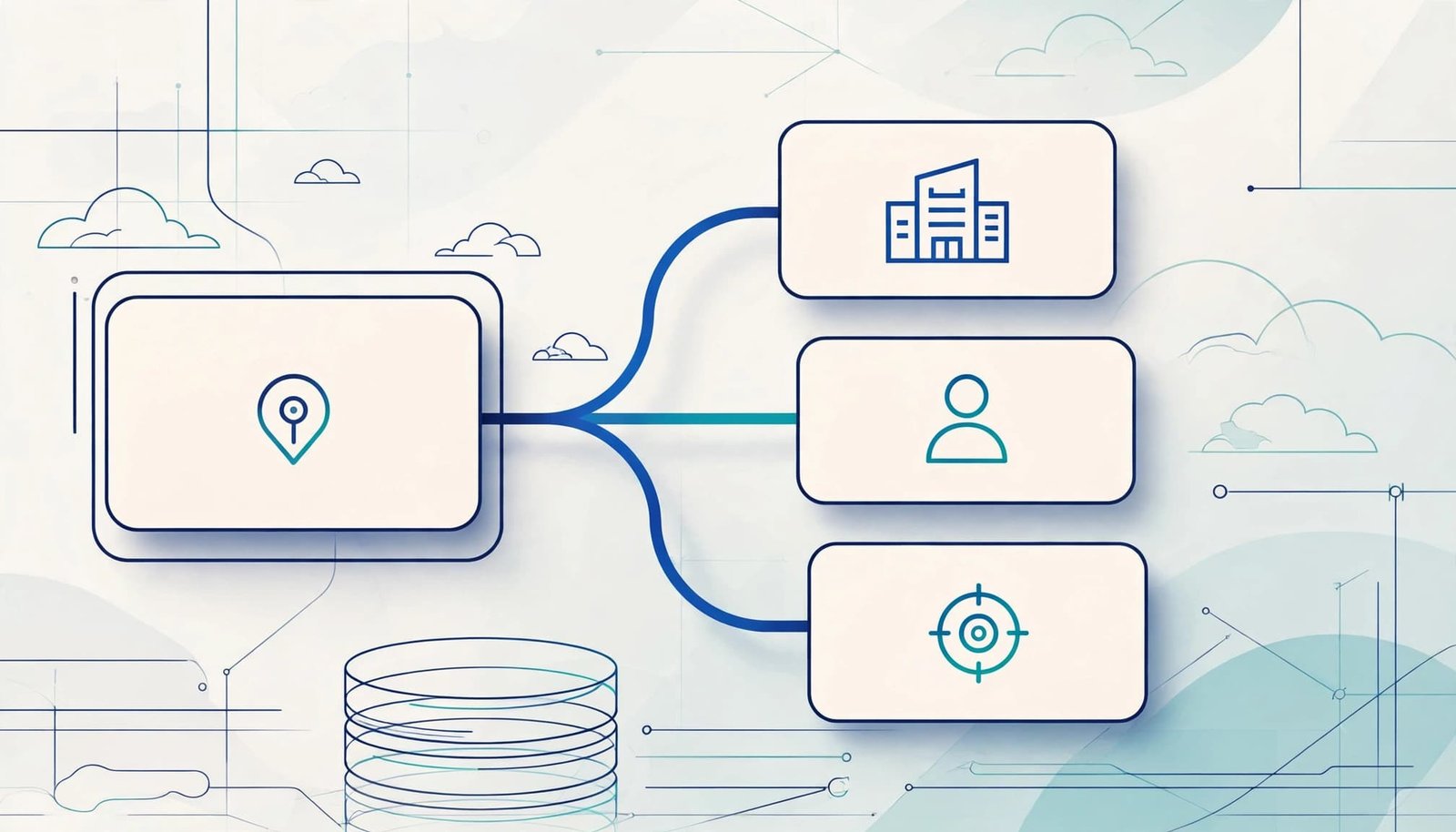
When a user converts a lead, Salesforce creates an Account and Contact, unless the user associates the lead with existing records. An Opportunity is optional and should reflect a defined pursuit in your sales process, not just early interest in the sales funnel.
For example, an SDR may convert a demo request from Priya Shah at Northwind Analytics into a Contact under the existing Northwind Account. If Priya has confirmed a discovery call and a potential purchase, the SDR or account executive can also create an Opportunity.
A discovery call may justify an early Opportunity in a short sales cycle. A longer enterprise evaluation may require more evidence before the record advances to the right opportunity stage.
The Account holds company-level history and ownership. The Contact holds the person’s role and activity. The Opportunity tracks a defined revenue pursuit in the sales pipeline, such as a proposed annual subscription.
Convert at a documented qualification point
Conversion should follow lead qualification evidence, not a single lead status or form submission. A target account that requests a demo may be ready quickly. A student using a personal email address may need disqualification or nurture, even after repeated website visits.
For B2B SaaS, define a small set of conversion criteria that sales and marketing both accept:
- The person belongs to an account that fits your target customer profile.
- The record has a usable business email, company, acquisition source, and owner.
- A meaningful intent signal exists, such as a demo request, qualified meeting, trial milestone, or verified buying conversation.
- The SDR has captured the qualification reason and an agreed next action.
Converting leads marks a record-model change. It doesn’t prove that the prospect is a paying customer.
Salesforce lead conversion mapping by object
Field mapping protects the information your team needs after conversion. Within sales cloud, Salesforce maps standard Lead fields automatically. An administrator must map custom Lead fields to custom fields on Account, Contact, Person Account, or Opportunity.
Salesforce documents the available destinations and standard behavior in its Lead Conversion Field Mapping reference. Define the business meaning before opening Setup.
Build a map that states what each field means
A useful field map supports lead management as a data-governance artifact, not merely a Setup task. Record the source field, target field, data type, valid values, field owner, and any default or transformation rule.
This example keeps qualification and product context available to the account executive without turning free-form notes into unreliable reporting data.
| Lead field | Conversion destination | Mapping decision |
|---|---|---|
| Company | Account Name | Standard conversion behavior |
| First Name, Last Name, Email, Title | Contact fields | Standard conversion behavior |
| Lead Source | Contact Lead Source | Preserve lead source and acquisition context |
| Product Interest | Opportunity Product Interest | Map to a compatible custom picklist |
| Lifecycle Stage | Contact Lifecycle Stage | Map to a compatible custom field |
| Intended Subscription Plan | Opportunity Intended Plan | Map to a compatible custom field |
| Discovery notes | Contact or Opportunity notes process | Keep as notes, not a reporting picklist |
Don’t map a field simply because a destination exists. For example, a lead’s “Current CRM” may help sales qualify an opportunity. A “Form Page URL” may only matter for marketing analysis and can remain on the converted lead or in campaign reporting.
Configure and validate custom field mappings
In Setup, go to Object Manager, select Lead, open Fields & Relationships, then select Map Lead Fields. Choose the destination custom field for each custom Lead field you intend to carry forward.
Salesforce’s custom lead mapping guidelines set important limits. A target field can receive only one mapped source field. Many custom fields also require compatible data types. Text destinations must be at least as long as the source, and custom lookup fields must point to the same object.
If your team needs data on a custom object, such as Subscription Profile or Implementation Requirement, lead conversion mapping can’t write there directly. Map the necessary value to a supported target object, then, if configured for that purpose, use a carefully tested Flow or marketing automation process to create or update the related custom record after conversion.
Protect data before it enters the sales pipeline
Mapping can’t compensate for incomplete or conflicting inputs in lead management. Clean lead data first, then let conversion place it in the correct customer and pipeline records.
Check for existing accounts and duplicate contacts
A new inbound lead may belong to an existing prospect, customer, or parent company. Creating another Account can split ownership, opportunity history, product usage, and renewal reporting.
In Sales Cloud, verify matching rules, duplicate rules, validation rules, and conversion behavior together. Salesforce uses matching rules to identify likely duplicate records. Duplicate rules decide whether Salesforce alerts the user, allows the record, or blocks the action. Review the standard duplicate rule framework before deciding which records should trigger a warning or a hard stop.
For B2B SaaS, match Contacts using business email where possible. For Accounts, use a combination of normalized company name, website domain, and other stable identifiers that fit your market. Avoid blocking every similar company name because subsidiaries and regional entities may be legitimate separate accounts.
Audit fields, ownership, and sandbox behavior
Require information only when someone will act on it. Lead Source, company, business email, country, product interest, and qualification reason commonly affect reporting, routing, or follow-up. Conversely, long free-form notes should capture conversation detail rather than become an unreliable picklist.
Recommendation: run at least 10 realistic leads through a sandbox before production deployment. Test actual sales reps’ profiles and ownership outcomes. Include a new company, an existing account, a duplicate contact, an unsupported region, a missing required field, a multi-contact account, and records from each major acquisition source.
Confirm the selected account, contact, and opportunity receive the expected values. Then inspect owner assignment, Flow, task creation, notifications, marketing automation, campaign attribution, validation rules, and reporting. Duplicate creation and failed handoffs can distort the reported conversion rate. A map that works for a newly created account may behave differently when a user selects an existing account, so test both paths.
Create a reliable sales handoff after conversion
Conversion only works when the new record reaches a person who knows what to do next in the sales pipeline. Marketing, SDRs, account executives, and customer success teams need a shared lead management rule for ownership and timing.
Put the SLA in fields, not memory
A practical service level agreement states who can mark a lead ready, which sales reps receive it, how quickly they must act, and what happens if nobody accepts it. Track the handoff with fields such as Ready for Sales At, Accepted At, Handoff Owner, and Exception Reason.
Marketing automation can assign the qualified record, create a follow-up task, and notify the owner. These actions start the first sales engagement steps, but they don’t replace the human response SLA. If the lead remains unaccepted after the SLA window, route it to a monitored fallback queue or sales manager.
Recommendation: map your lead sources, required fields, ownership rules, SLA window, and fallback queue on one page. Verify sandbox leads reach the right owner within five minutes when the workflow should be immediate. Review conversion rate alongside acceptance time and follow-up completion.
Use scoring and cadences for priority, not blind automation
Lead scoring helps reps sort work. Fit signals can include employee range, industry, geography, and job function. Intent signals might include a demo request, trial activation, pricing-page activity, or webinar attendance.
Keep fit and intent visible separately when possible. A second view of lead scoring helps clarify whether a contact fits your market or shows buying activity. A high-fit company may still be researching, while high intent buyers may work at accounts outside your target market. For complex buying groups, account scoring adds context across several contacts, while lead scoring remains useful for the individual conversation.
Use a sales cadence to turn priority into action. The right sales engagement sequence should follow the next agreed step, not generic activity volume. A qualified demo request from a high intent buyer may need a rapid call, email, and task. A webinar attendee with weak intent may belong in lead nurturing, especially when the sales cycle is longer or the contact is still researching.
Recommendation: build the sales cadence around distinct motions. Use rapid follow-up for demo requests and trial milestones, and lower-touch sequences for research-stage contacts. Review the motion regularly so automation supports judgment instead of replacing it.
Measure conversion quality, not only volume
Use sales analytics to define conversion quality, not just volume. A sales funnel view should distinguish conversion volume from progression quality.
The basic lead conversion rate formula is:
(Converted Leads / Total Leads) x 100
If 50 of 500 leads convert in a period, the result is 10%. Use a consistent definition of “converted” and compare similar cohorts. This conversion rate can mislead when a long enterprise sales cycle sits beside fast self-serve or lower-touch motions.
Segment the rate to find the real problem
Break the conversion rate down by lead source, campaign, product interest, market segment, owner, and creation month. Sales analytics reports can show whether paid search produces weak records, whether an SDR queue lacks follow-up, or whether a product-led signal converts well. Compare outcomes by lead scoring band.
Also measure time from lead creation to assignment, assignment to first activity, and readiness to acceptance. These timing metrics clarify the conversion rate and reveal gaps in lead management. Slow sales engagement can delay a healthy lead, while poor-fit acquisition can reduce results from the start.
Review rejected and stalled leads
Sales should reject poor handoffs with structured reasons, such as no fit, no active project, duplicate, invalid data, competitor, or unsupported geography. Marketing can use those reasons to adjust scoring, targeting, form rules, and lead nurturing.
Review a sample of converted leads every month and track the conversion rate alongside the records. Check whether Product Interest reached the Opportunity, the attribution field remained reportable, the opportunity stage is appropriate, and the right Account owner received the record. This audit catches field drift before it distorts pipeline reporting.
FAQ
How do I convert a lead into an account, contact, and opportunity?
In sales cloud, open the qualified Lead record and choose Convert. Salesforce lets you create or select the Account and Contact, then create an Opportunity when the sales process calls for a defined deal. Check duplicate suggestions carefully before confirming the conversion.
What permissions are needed for lead conversion?
Permission needs vary based on the records involved and your sharing model. Salesforce’s convertLead API documentation states that programmatic conversion requires Convert Leads, Edit on Leads, and Create and Edit permissions on Account, Contact, and Opportunity. Test the process with the actual SDR and sales profiles, not only an administrator profile.
Why does a custom lead field fail to appear after conversion?
The field may have no mapping, an incompatible destination type, a destination that’s too short, or a mapping to the wrong business object. Review the lead field map, test the source value in a sandbox, and inspect any Flow or validation rule that runs after conversion.
Does a high conversion rate mean every converted lead is sales-ready?
No. Conversion rate measures whether records were converted, not lead fit, opportunity quality, or resulting revenue. Review downstream pipeline and customer outcomes to assess conversion quality.
Make conversion a dependable revenue operation
Strong Salesforce lead conversion turns qualified interest into connected Account, Contact, and Opportunity records in sales cloud. Reliable lead management preserves context, ownership, attribution, and qualification data, while sales engagement gives the next owner a clear action.
Start with conversion criteria and a field map. Then test real lead scenarios, measure handoff speed, and fix exceptions that create untrustworthy pipeline data; conversion doesn’t guarantee revenue or a paying customer.
