
HubSpot custom reports connect deal values with contact, company, and marketing data so you can see which channels generate closed-won business. The custom report builder supports cross-object analysis on Professional and Enterprise subscriptions.
For SaaS teams, the biggest challenge is defining what revenue means before choosing a chart. A signed contract, recurring subscription value, and Stripe payment answer different questions.
Start with one focused report: closed-won deal amount by the associated contact’s original traffic source.
Key Takeaways
- Define the revenue measure, date range, and source-assignment rule before building.
- Use deals as the primary source for deal-value reporting, then add contacts for acquisition-channel analysis.
- Reconcile the finished chart against a deals-only total before sharing it.
Access and Permissions for HubSpot Custom Reports
The custom report builder and multi-object analysis are available with eligible Professional and Enterprise subscriptions (called Pro and Enterprise here). However, access to custom reporting doesn’t mean every advanced reporting feature is included.
Use this distinction when planning your setup.
| Requirement | Professional | Enterprise |
|---|---|---|
| Custom report builder | Available with eligible subscriptions | Available with eligible subscriptions |
| Multiple CRM data sources | Supported | Supported |
| Report permissions | Create/own and Edit | Create/own and Edit |
| Advanced reporting capabilities | Depend on the subscribed product | Depend on the subscribed product |
The important distinction is between access to the builder and access to specialized analytics.
Creating and editing reports requires Create/own and Edit permissions for reporting. HubSpot’s custom report requirements explain eligibility and permissions.
Dashboard visibility is a separate consideration. Saving a report doesn’t automatically give every teammate access to its dashboard.
Define the Revenue Question Before Choosing Fields
Separate bookings, recurring revenue, and cash
For our worked example, “revenue” means the sum of Amount on closed-won deals. This measures booked deal value according to your CRM’s Amount definition.
It doesn’t automatically measure monthly recurring revenue, recognized accounting revenue, or collected cash. For recurring-revenue reporting, use consistently populated MRR or ARR properties rather than assuming Amount contains those values.
Likewise, Stripe payments and payouts belong to a separate financial view. Refunds, fees, and payment timing can prevent those totals from matching signed deal values.
Distinguish source reporting from attribution
A single-object report summarizes one object, such as deals. Connecting a contact’s acquisition channel with a deal’s Amount requires cross-object analysis or source properties already stored on the deal.
HubSpot’s original traffic source classifies acquisition channels for marketing attribution. It doesn’t describe every campaign touch or prove which interaction caused the sale.
Therefore, label this report “Closed-won deal amount by original traffic source.” Use multi-touch attribution language only when the report applies a defined attribution model.
Start the Custom Report Builder
We’ll build a quarterly channel report using deals and contacts. HubSpot’s custom report builder documentation describes how the builder combines data sources.
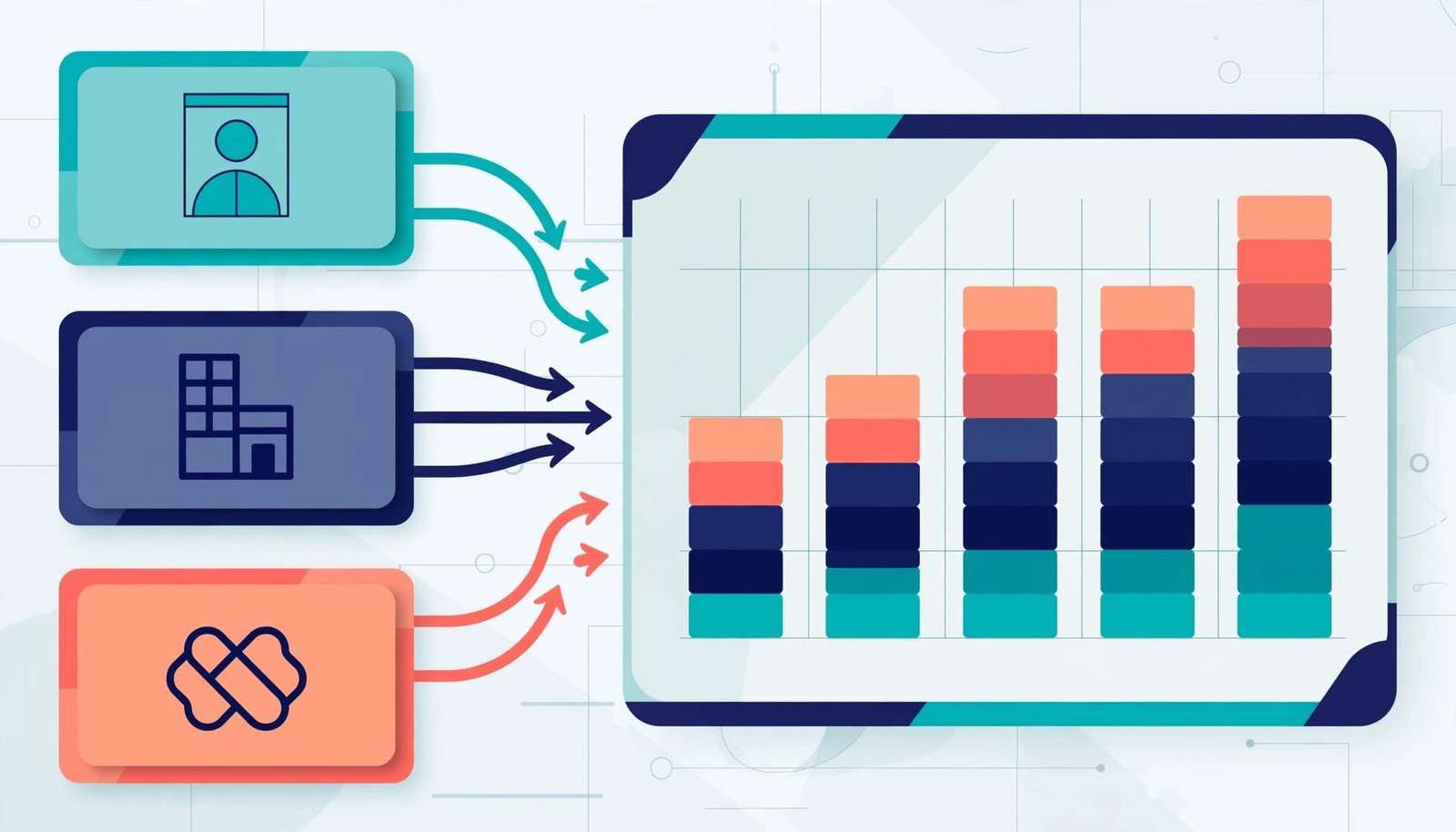
Step 1: Open a report and select sources
Go to Reporting > Reports, click Create report, and select the custom report builder. Single object reports suit questions that need fields from only one CRM object; cross-object analysis requires additional sources.
Set Deals as the primary data source, then add Contacts. This keeps the report centered on commercial records while making contact-source properties available.
Add Companies only if you need company dimensions, such as industry or customer segment. Extra sources add complexity without improving every report.
Associations matter: a contact must connect to the relevant deal for the report to relate their properties. Missing associations can leave deals without a usable source category.
Step 2: Select the measure and dimensions
Add Amount, Deal stage, Close date, Deal name, and Deal owner from Deals. Then add the contact’s Original Traffic Source property, previously called Original Source, as the lead source dimension. This field records a source, but doesn’t prove that it caused the deal.
Use Sum of Amount as the measure and Original Traffic Source as the grouping. Deal name and owner help you inspect the underlying records.
The result answers a specific question: how much closed-won deal value falls under each acquisition channel? It doesn’t count customers or calculate recurring revenue unless you select fields that define those measures.
Filter, Validate, and Save the Revenue Report
Step 3: Apply filters that match the question
Set Deal stage to your pipeline’s closed-won stage and Close date to This quarter. If you maintain multiple pipelines, select the relevant SaaS sales pipeline too.
Separate new business, expansion, and renewals when those motions have different targets. Use your existing deal-type or sales-motion property.
Every report should include a date filter. Close date measures business closed during a period; Create date measures when deals entered the CRM. Substituting one for the other changes the question.
HubSpot’s report filter guidance explains how to adjust the dataset.
Step 4: Reconcile the chart, then publish
For this visualization, choose a horizontal bar chart with traffic source as the category and summed Amount as the value. Sort by Amount descending so the largest channels appear first.
Next, inspect the underlying deals. Compare the total with a deals-only report using identical stage, date, pipeline, and currency rules.
Multiple associated contacts can complicate source credit. If a deal appears under conflicting channels, establish one sourcing rule. For stable historical reporting, store a governed source snapshot on the deal.
Keep unclassified sources visible rather than hiding them. Otherwise, the chart can make attribution quality look better than it is.
Finally, save the report as “Closed-won amount by original traffic source, this quarter” and add it to the appropriate dashboard.
A channel breakdown should reconcile to its deals-only baseline before anyone uses it to allocate budget.
Add Pipeline and Retention Views Without Mixing Definitions
A closed-won chart explains completed business. An open-pipeline report shows pipeline performance and what might close next.
Use expected Close date for the reporting period, exclude closed deals, and separate sales motions where appropriate. Group by stage or owner, then include a detail table for inspection.
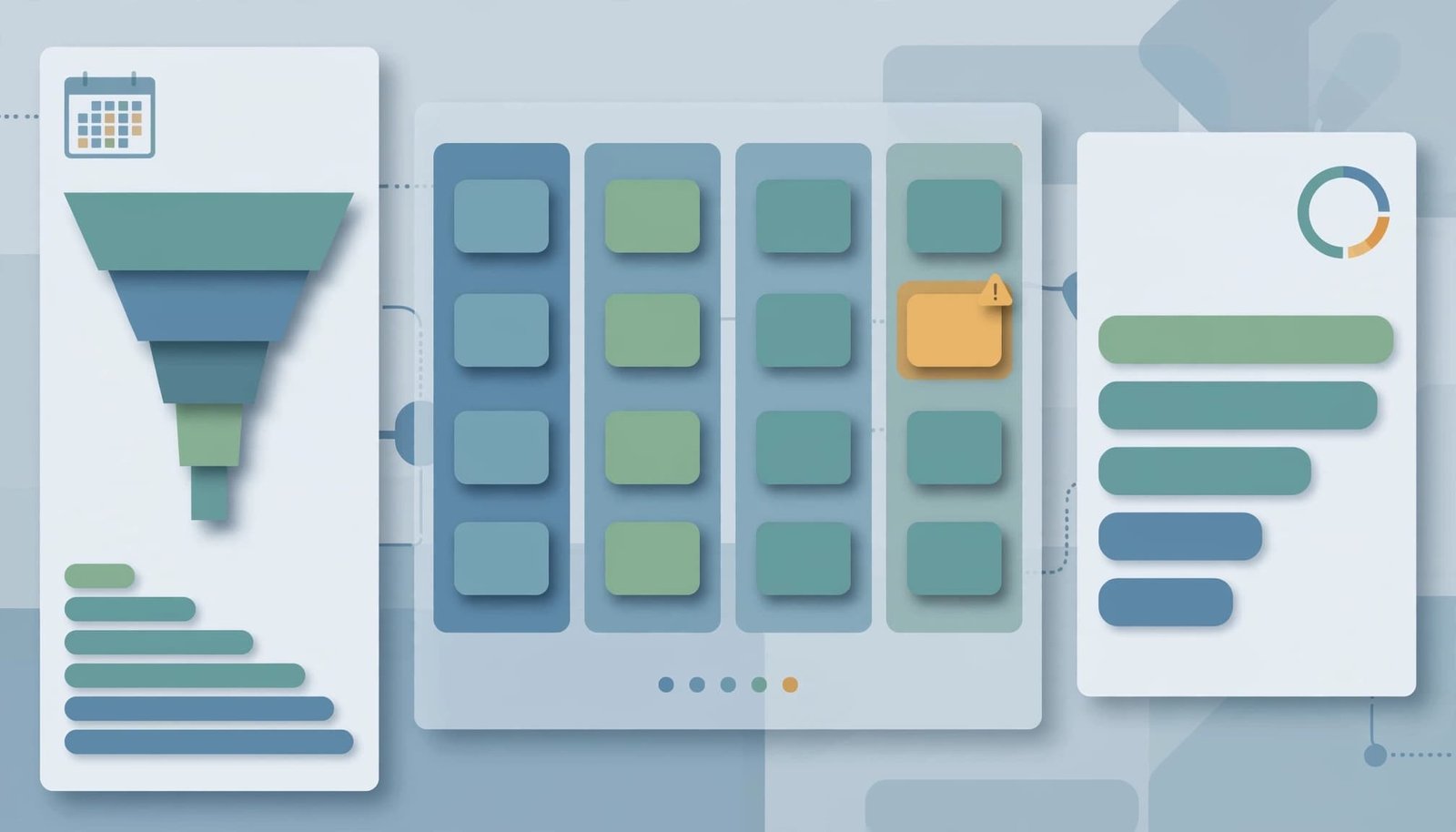
Stage names need consistent buyer evidence. “Demo completed” records seller activity; a qualified evaluation should require evidence that the buyer agreed to evaluate. Otherwise, the chart summarizes inconsistent judgments.
For renewals, distinguish the contract renewal period from the date someone created the renewal deal. Also keep expansion separate when it follows a different sales process.
Useful companion reports include closed-won amount by owner, renewal outcomes by contract period, and records missing source or subscription fields. These answer different operational questions without forcing everything into one chart.
As an editorial recommendation, keep working dashboards to six to 10 key reports and executive overviews to six to eight tiles. Each tile should support a decision.
Handle Calculations and Advertising Costs Carefully
Formula fields calculate before aggregation
Formula fields calculate row by row before the report aggregates results. That order matters when comparing totals, averages, and percentages.
For example, a row-level margin percentage averaged across deals differs from total margin divided by total revenue. Name the metric according to the calculation you intend.
Handle null values before publishing. Missing cost of goods sold means cost is unknown; replacing it with zero can overstate margin.
Also maintain exception views for missing amounts, dates, and source fields. A formula can’t repair an undefined input.
Match advertising costs to the revenue definition
ROAS divides attributed revenue by advertising spend. CPA divides advertising spend by a defined acquisition count.
Both calculations require aligned campaign identifiers, periods, and acquisition definitions. A newly created contact and a newly paying customer are different denominators. A conversion rate is useful only when you define the conversion event, cohort, and period.
HubSpot supports advertising and campaign reporting, but a particular CRM report may not expose every cost dimension in your ads data. When it doesn’t, export the relevant data to a spreadsheet or Looker Studio (formerly Google Data Studio).
Keep the reconciliation explicit. Calendar-month spend compared with deals closed that month is a period comparison, not necessarily the return from that month’s acquired customer cohort.
Frequently Asked Questions
How often do custom reports refresh?
HubSpot custom reports refresh automatically about every two hours. You can manually refresh a report once every 15 minutes.
Allow for the refresh interval when reviewing updated deals. Custom reports aren’t live transaction monitors.
Can Breeze AI create a report from a prompt?
Yes. HubSpot supports report creation with AI, so you can describe an analysis in plain English.
A useful prompt is: “Show summed closed-won deal Amount by original traffic source for this quarter.”
Check the report’s data sources, filters, date property, and aggregation. AI-generated reports can be inaccurate, and a plausible chart can still answer the wrong question.
Why doesn’t a revenue report match Stripe?
Closed-won deal Amount measures the commercial value recorded in HubSpot. Stripe records financial events such as payments, refunds, fees, and payouts.
Compare matching measures over the same period. Use stable external identifiers to connect records instead of relying on customer names or email addresses alone.
Build One Trustworthy Revenue View First
HubSpot custom reports become useful when each chart has a clear measure, date basis, and record relationship. The strongest starting point is a closed-won report that reconciles to a deals-only baseline.
Then add pipeline, recurring-revenue, and cost views as separate questions. Keep revenue definitions consistent, and investigate missing or conflicting records before expanding the dashboard.
A small set of defensible reports gives your team a clearer operating picture than a crowded dashboard with uncertain totals.