Picking remote access software shouldn’t feel like choosing between three different maps. Yet that’s where many teams land with Tailscale, Twingate, and Cloudflare Zero Trust.
If you’re stuck on Tailscale vs Twingate, Cloudflare changes the question. One product starts from secure network membership, one from identity-based app access, and one from edge security plus access control. That matters more than feature count, because it shapes setup, user friction, and admin work.
The quick comparison that matters
Use this table to find the likely fit before you compare details.
| Product | Best fit | Main access model | Typical deployment | Main tradeoff |
|---|---|---|---|---|
| Tailscale | Small teams, dev access, homelabs | Device and service reach across a private mesh | Client on devices, optional subnet routers or exit nodes | Users may think in machines and IPs more than apps |
| Twingate | Least-privilege app access, contractors, enterprise groups | Identity-led access to named resources | Client on devices, connectors inside each network | More planning up front |
| Cloudflare Zero Trust | Cloudflare-centric teams, web policy plus private access | Access tied to identity, device, and edge policy | WARP on devices, tunnels or connectors near apps | Broad platform, more knobs to manage |
As of April 2026, that pattern still holds. Tailscale is usually the fastest to get working. Twingate stays strong when access should follow app names and user groups. Cloudflare fits best when remote access is only one part of a wider Cloudflare stack. For a market snapshot, this side-by-side comparison is a helpful second view.
The best choice depends on the unit you want to control, devices, apps, or edge-wide policy.
Setup model and onboarding friction
Tailscale usually has the lightest first hour. You install the client, sign in with your identity provider, and devices join the same tailnet. Because it uses WireGuard and prefers direct peer paths, SSH, RDP, and database access can come up fast. Its newer peer relays also help when direct connections fail inside strict networks.
Twingate asks for more design up front. You place connectors inside each private network, publish resources, then map users or groups to those resources. That takes longer, but it also prevents the common VPN habit of giving broad subnet access because it’s easier.
Cloudflare Zero Trust often starts with WARP on user devices and a tunnel or connector near the app. If you already use Cloudflare for DNS, Access, or Gateway, setup can feel consistent. If you don’t, the first week can feel larger because the platform covers more than remote access.
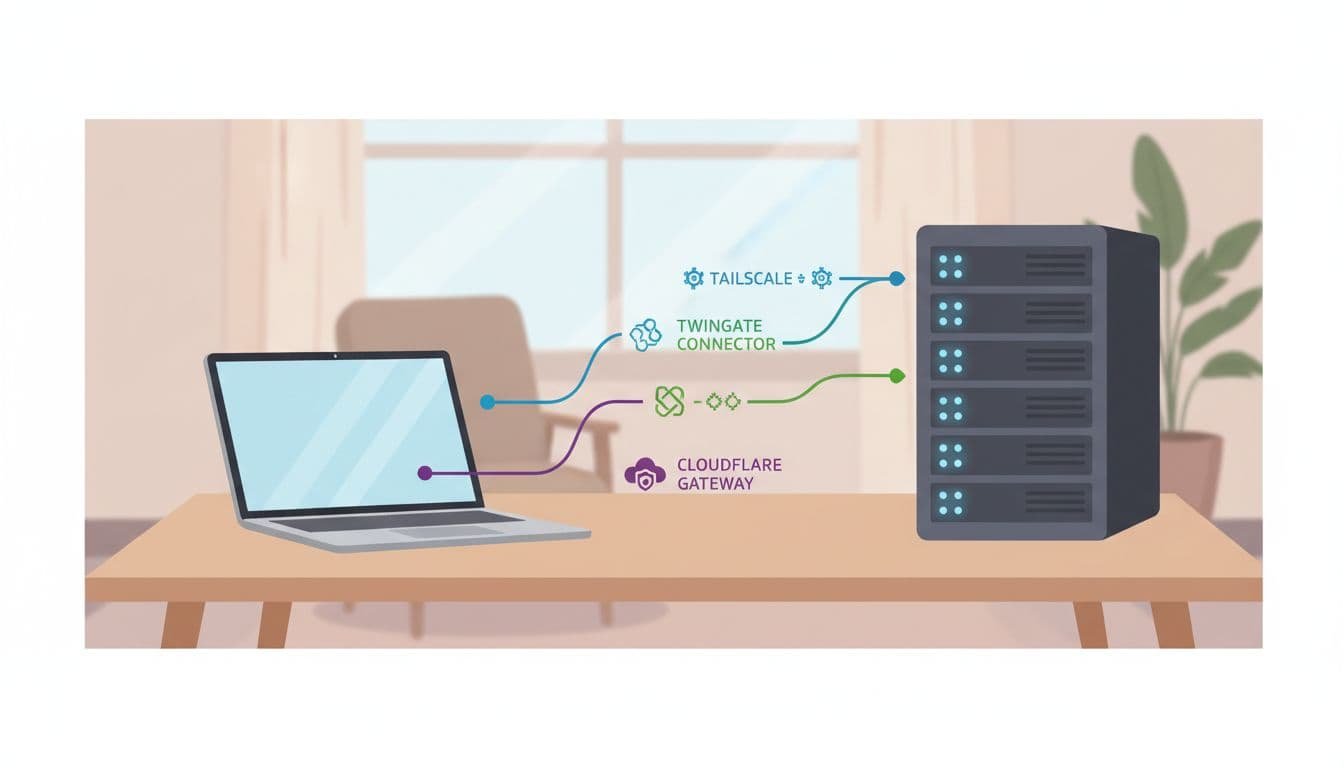
All three can replace a traditional VPN for many private app cases. Still, most real rollouts use device agents, and migration pain often comes from split DNS, old IP-based rules, or unmanaged contractor devices.
Identity controls and private app access
This is where the products separate more clearly. Twingate is built around granting access to named resources. Users don’t need to land on the same flat network as the app. That makes it a strong fit for contractor access, finance tools, or any case where least privilege matters more than raw network reach.
Cloudflare takes a similar identity-first path, then extends it into device posture, web controls, and broader policy checks. Its recent updates around continuous enforcement and more posture checks matter if you want trust to be rechecked after login, not only at login.
Tailscale can also do ACLs, tags, device posture, and service-level controls. Recent updates added more around services and workload identity. Even so, its core feel is still secure node-to-node networking. That’s great for engineers, power users, and teams that think in terms of servers. It’s less natural when every user should see only a short list of apps and never touch internal addresses.
DNS, routing, and what users notice day to day
Performance depends on architecture, so broad speed claims miss the point. Tailscale often feels fastest when it gets a direct peer path, because traffic can move straight between endpoints. MagicDNS also makes private naming easier. On the other hand, legacy apps may still need subnet routers or exit nodes.
Twingate favors split tunneling and routes only the resources you publish. That usually means less accidental lateral movement and a cleaner contractor story. Users open the app or hostname they were given, not a whole private network.
Cloudflare can combine private access with DNS filtering and secure web gateway policy through the same client. That can be attractive if you want one place to handle both internal apps and outbound web controls. If you want another practical read on Tailscale vs Twingate, this comparison from Toolradar adds useful tradeoffs.
Logging, compliance visibility, and ongoing admin work
Day-two work matters as much as day-one setup. Twingate’s 2026 updates improved authentication audit logs, which helps with login tracking and MFA troubleshooting. Cloudflare usually gives the broadest visibility if you also care about gateway-style reporting across private and public traffic. Tailscale has added more flow logs, user-linked telemetry, and admin signals, which makes it easier to run without a large ops team.
Operationally, Tailscale is often the lowest-overhead option. Twingate sits in the middle, because connectors and resource definitions need upkeep, but the policy model stays tidy. Cloudflare can reduce vendor sprawl if you’re already inside its stack. If you’re not, it may give you the most admin surface to learn.
Pricing is harder to compare cleanly because plan gates change. As of April 2026, all three have a low-cost or free entry point, but advanced policy and support move higher. For current numbers, check Tailscale’s pricing page and this public pricing comparison between Tailscale and Twingate.
Which one fits your environment
Tailscale is often the safer pick for a small team with little IT time, a startup that needs staging access fast, or a homelab with mixed devices. It also fits self-hosted networking well, because machine-to-machine access is its natural home.
Twingate usually makes more sense for enterprise groups, contractor access, and cases where security teams want access tied to identity and named apps. In those setups, hiding internal topology is often a feature, not a nice extra.
Cloudflare Zero Trust fits best when you’re already Cloudflare-heavy, or when private app access is only one part of a wider policy plan. If you want DNS filtering, browser controls, and remote access in one place, it can be the cleaner stack.
How to choose without second-guessing
- Pick Tailscale if users need fast, secure reach to devices, subnets, or services.
- Pick Twingate if access should follow identity groups and named apps, not network reach.
- Pick Cloudflare Zero Trust if you want remote access plus web and DNS policy in one client.
- Pilot one admin workflow and one contractor workflow before moving everyone.
The wrong choice rarely fails on day one. It starts showing up later, when DNS gets messy, contractors need exceptions, or admins spend Fridays fixing routes.
Start with the access model, not the feature list. That’s the simplest way to choose a platform you’ll still like six months from now.
