Most teams don’t replace their work tool because it’s old. They replace it because planning, shipping, and handoffs start to feel slower than the product itself.
If you’re comparing linear vs jira vs clickup, the hard part isn’t feature matching. It’s picking the tool your team will still use six months from now, without extra admin work, messy workflows, or constant side explanations. Here’s how the tradeoff looks in practice.
Quick comparison at a glance
For SaaS product teams, the first decision is simple: do you want speed, control, or one workspace for almost everything? What matters day to day is issue creation time, reporting effort, permission setup, and how much process your team can handle without friction.
| Tool | Feels like | Handles well | Watch for | Usually fits |
|---|---|---|---|---|
| Linear | Focused, fast, opinionated | Product and engineering delivery | Less flexible for edge-case workflows | Small to mid-size software teams |
| Jira | Configurable, deep, structured | Complex workflows, governance, scale | Admin overhead can grow fast | Larger SaaS and enterprise teams |
| ClickUp | Broad, all-in-one, flexible | Cross-functional work in one place | Setup can sprawl without rules | Mixed teams beyond engineering |
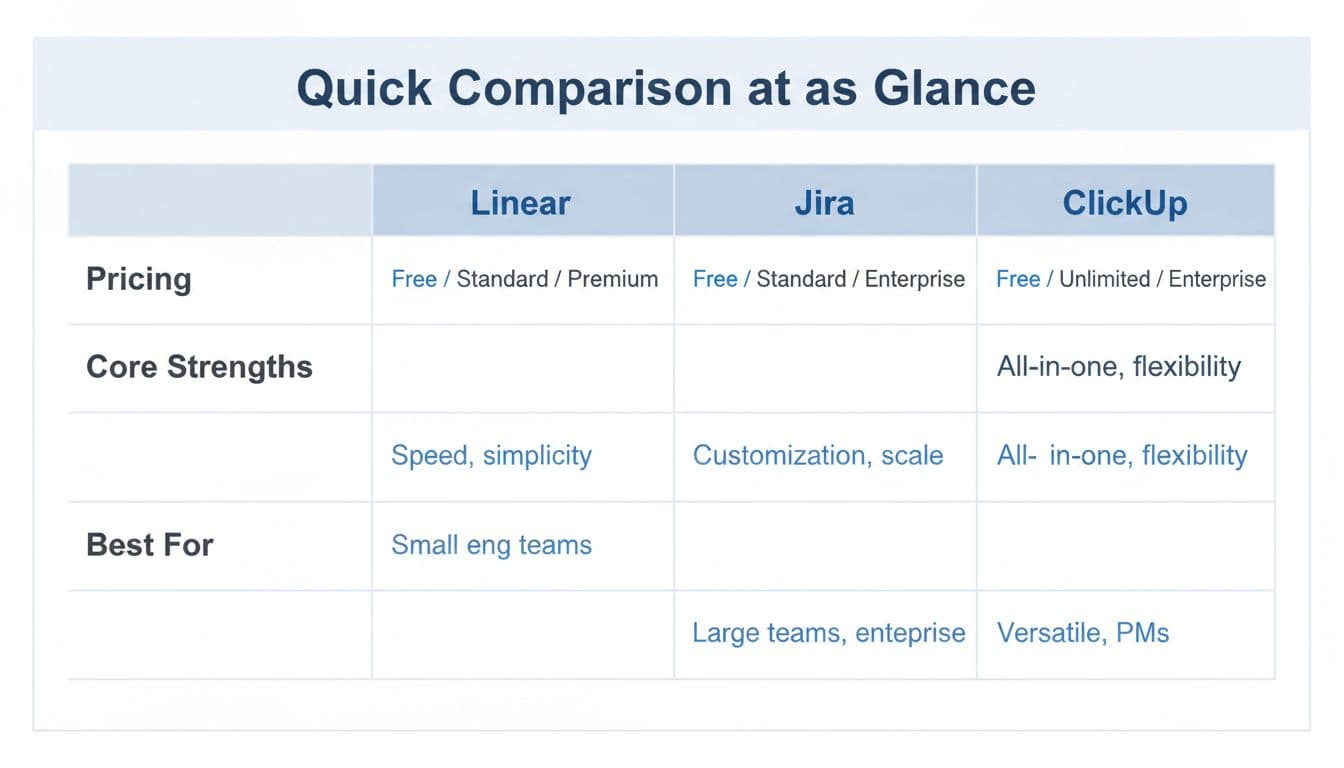
The short version is clear. Linear reduces decisions for you, which often helps adoption. Jira lets you model almost any process, which helps when teams, controls, and dependencies expand. ClickUp covers more work types in one system, which helps when product, ops, marketing, and support need shared visibility.
Pricing and packaging can shift, especially around AI and enterprise controls. So check current pricing/features on Linear pricing, Atlassian’s Jira Cloud plans, and a recent ClickUp pricing guide. The main takeaway is that base seat cost often matters less than the time your team spends maintaining the system.
Which team model each tool favors
Early-stage SaaS teams
A small product and engineering team usually needs one thing most, fast execution. In that case, Linear often gets adopted fastest because the workflow is tighter and the interface stays out of the way. Jira can still work, but only if someone keeps the setup simple. ClickUp fits when founders want product work, docs, and lightweight ops in one place.
Scaling SaaS teams
Once you have multiple squads, more handoffs, and a growing backlog, structure starts to matter. Jira gets stronger here because custom workflows, permissions, and roadmaps can match how teams already operate. Linear still works well for scaling teams that want strict focus and can accept a more opinionated model. ClickUp can support growth too, but it needs active governance so spaces, views, and automations don’t multiply.
Enterprise and product-platform teams
This decision is usually about control. Audit needs, role separation, custom fields, service links, and portfolio planning push many enterprise teams toward Jira. Linear has improved higher-end controls and analytics, but it still favors cleaner process design over deep process tailoring. ClickUp can cover broad work management, yet highly regulated or deeply layered orgs may find its flexibility harder to standardize.
Cross-functional orgs with many non-engineering stakeholders
If product managers, marketers, customer success, design, and operations all want one system, ClickUp often gets the strongest look. Docs, dashboards, task views, and varied work styles help mixed teams stay in the same room. Jira can support cross-functional planning, but non-technical users may need more onboarding. Linear works best here when the core job is still software delivery, not company-wide work management.
A step-by-step evaluation before you commit
A good evaluation should test adoption, not only features. Think of it like a trial run for your operating system, not a beauty contest.
- Start with your live workflow. Map how ideas enter, how work gets scoped, who approves changes, and how releases get tracked.
- Pick one real team and one real sprint. Don’t use demo data. Use active backlog items, bugs, and stakeholder requests.
- Define success before the trial starts. Measure setup time, issue creation speed, cycle visibility, reporting effort, and admin hours.
- Run the same scenario in all three tools. Include roadmap planning, triage, sprint work, and one cross-team dependency.
- Review adoption signals. Look for where people hesitate, work around the system, or stop updating status.
A short pilot often reveals more than a long spreadsheet. If engineers keep moving faster in Linear, that’s data. If your PMO or product ops team gets better control in Jira, that’s data too. If non-engineering teams finally stop asking for side docs and side boards in ClickUp, that matters just as much.
Migration, adoption, and the mistakes that change the decision
A tool switch is never only a data move. It’s also a workflow redesign. That means reviewing statuses, issue types, permissions, templates, automations, and old fields before you import anything.
The tool with the most features often creates the most setup work.
The biggest mistakes are predictable. Teams overvalue feature breadth, ignore admin overhead, or choose the tool everyone already knows. Familiarity can help on day one, but it won’t fix weak reporting rules, messy permissions, or bloated workflows. Clean up old data first, train each role on the few actions they use most, and decide who owns system changes after launch.
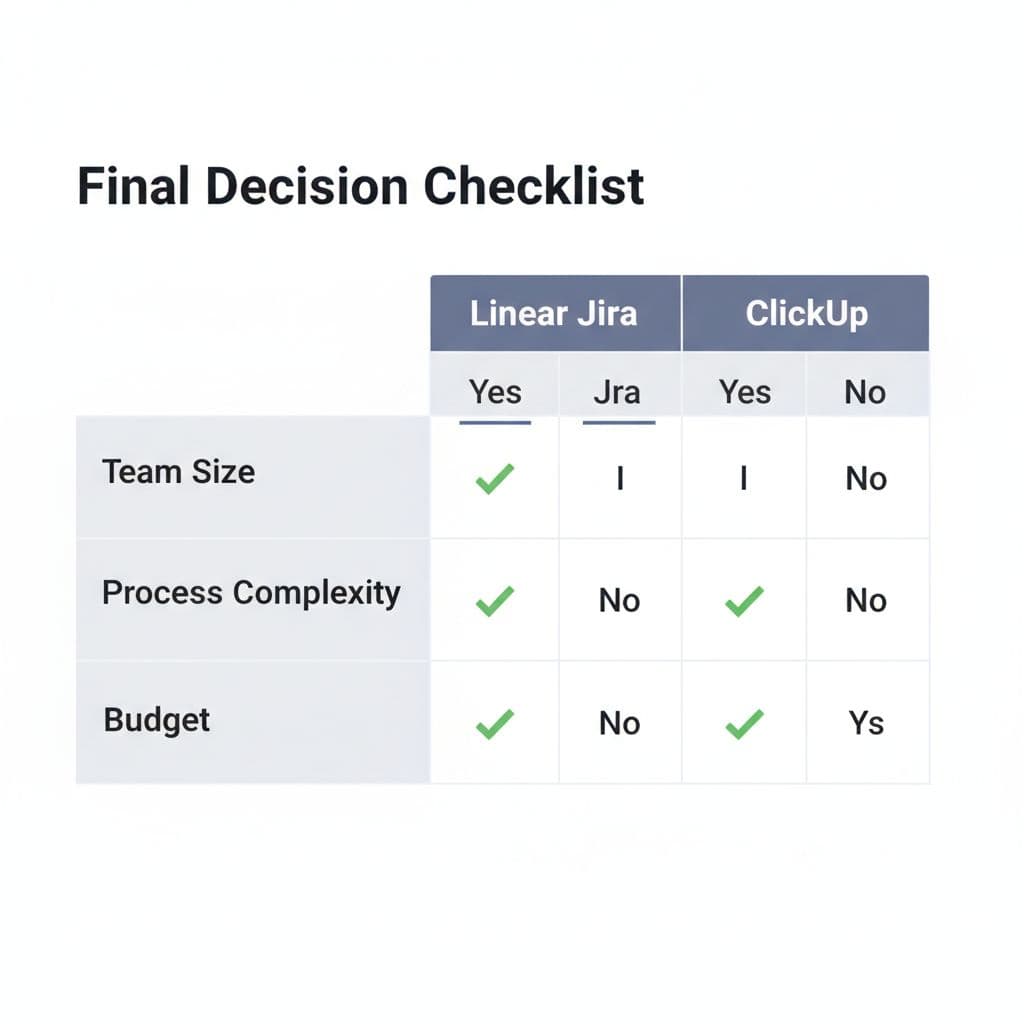
Use this quick checklist before you choose:
- Pick Linear if your product and engineering team wants speed, low admin load, and a tighter operating model.
- Pick Jira if you need deep workflow control, stronger governance, and room for more process layers.
- Pick ClickUp if you want one workspace across product, ops, and business teams, and you’re ready to set guardrails early.
- Pause the decision if no one owns permissions, training, and workflow cleanup, because adoption will slip no matter which tool you buy.
The right choice in 2026 isn’t about which platform does more. It’s about which one your team can run with the least friction and the clearest ownership.
If you’re still split, run a 14-day pilot with a real backlog and real stakeholders. Adoption will settle the argument faster than any feature matrix.
