Your goal is simple: pick an LLM observability tool you can trust in production, then instrument your app once so you can switch later without starting over.
By the end of this guide, you’ll have (1) a clear way to compare Langfuse, Helicone, and WhyLabs, (2) a practical instrumentation plan for prompts, latency, tokens, and feedback, and (3) a scoring matrix you can apply to your own constraints. If you’re choosing between Langfuse Helicone WhyLabs in 2026, this will keep you out of spreadsheet limbo.
What LLM observability should cover (even for a tiny app)
LLM apps fail in ways normal apps don’t. Two identical requests can behave differently, costs can spike overnight, and a “works on my laptop” prompt can break after a model update. So your observability needs to answer four questions fast: what did we send, what did we get back, how long did it take, and did the user like it?
At minimum, capture:
- Prompts and responses, plus the metadata that explains them (model name, temperature, tool calls, retrieval IDs).
- Latency and errors, including retries and timeouts. A slow model can feel like a broken product.
- Tokens and cost, broken down by user, workspace, feature, or campaign.
- Quality signals, such as thumbs up, complaint tags, and offline eval scores.
If you want a quick definition and why it matters, Langfuse’s explainer on LLM observability and monitoring is a solid baseline.
The last piece is non-negotiable: privacy. If you handle emails, support tickets, or medical details, you need redaction rules and access controls before you log anything.
Langfuse, Helicone, and WhyLabs: how they differ in practice
These tools can overlap, but their “center of gravity” is different.
Langfuse tends to shine when your app has multi-step flows: chains, agents, tool calls, retrieval, and long chats. It’s commonly used for deep tracing and debugging, and it can support prompt versioning and eval workflows depending on how you set it up. Start with the official observability and tracing overview to confirm the exact features you need (cloud vs self-host can change the answer).
Helicone is often positioned as a gateway approach. In many setups, you route requests through it, then get cost and latency visibility with minimal code changes. That makes it attractive if you’re juggling providers or want quick cost attribution. Check current capabilities and deployment options on the Helicone site because “proxy” features and self-host support are the details that matter.
WhyLabs comes from the broader ML monitoring world, with a strong emphasis on privacy and monitoring signals that help in regulated environments. For LLMs, it’s commonly discussed alongside LangKit and whylogs style profiling, rather than app-style tracing. The best place to validate what’s supported today is the WhyLabs LLM monitoring documentation.
Pricing and roadmaps move fast in this category, so treat any tier as “confirm in docs.” For extra context on how monitoring tools are being grouped in 2026, this roundup of LLM monitoring tools in 2026 helps frame the market.
Instrument your LLM app step by step (works with any vendor)
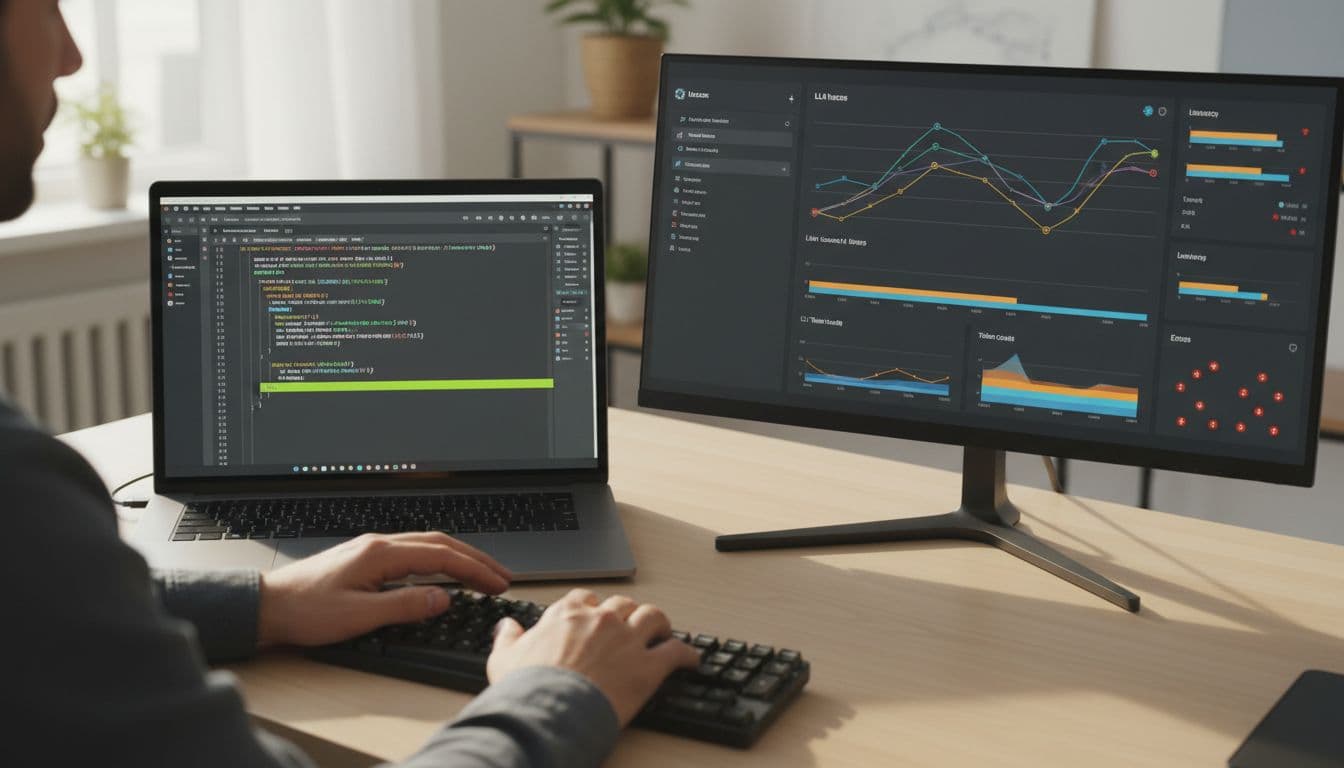
The trick is to log events you control, then forward them to Langfuse, Helicone, WhyLabs, or all three. That keeps you flexible.
1) Capture prompts, responses, and metadata
Create a correlation spine first, then hang everything on it.
Example fields to generate per user action:
trace_id(one per user request)span_id(one per LLM call or tool call)user_id(hashed if needed)session_id(for chat threads)
Pseudo-flow (conceptual):
trace_id = uuid()log("llm.request", {trace_id, prompt_template_id, prompt_version, model, temperature, top_p, tools_used, retrieval_doc_ids})log("llm.response", {trace_id, span_id, output_text_redacted, finish_reason})
Keep raw text optional. In many products, storing a redacted prompt plus a “replay token” is safer than logging everything.
Internal link: LLM prompt logging schema
Internal link: PII redaction for LLM telemetry
2) Capture latency, errors, retries
Users feel latency before they notice accuracy.
Record timing around each call:
t0 = now_ms()try call_model() catch e -> error_typet1 = now_ms()log("llm.timing", {trace_id, span_id, latency_ms: t1-t0, retry_count, http_status, timeout_hit})
Also log provider request IDs when available. Those IDs save hours when support tickets show up.
3) Capture tokens and cost
Tokens are the new bandwidth bill. Don’t guess if you can avoid it.
If the provider returns usage:
log("llm.usage", {trace_id, span_id, input_tokens, output_tokens, total_tokens, model})
Then attach cost with a pricing table you control:
estimated_cost = price(model) * (input_tokens, output_tokens)log("llm.cost", {trace_id, span_id, estimated_cost, currency})
Vendors may compute cost for you, but still keep your own “shadow” estimate so you can reconcile.
4) Capture user feedback and evaluation labels
Feedback is your quality sensor. Without it, you’re only watching plumbing.
Two lightweight events cover most apps:
log("llm.feedback", {trace_id, user_id, rating: +1|-1, reason_tag, free_text_redacted})log("llm.eval", {trace_id, eval_name, score_0_1, judge: "human"|"model", dataset_id})
Later, you can join feedback to prompt versions and compare changes over time.
Decision matrix: how to choose (and how to score it)
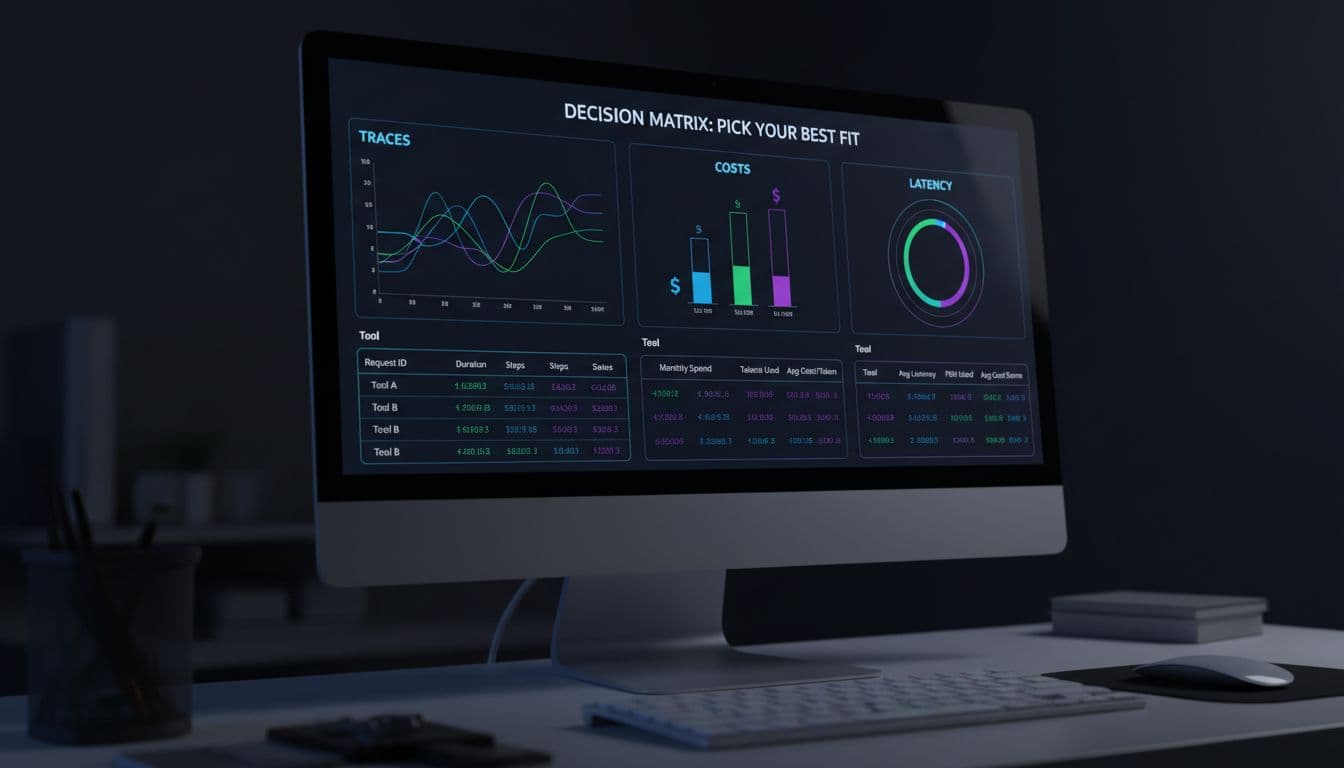
Score each criterion from 1 to 5 for your situation (not someone else’s). Then multiply by weight (1 to 3), and sum totals. A tool can “win” overall while still failing a must-have, so mark any hard requirements first.
If one criterion is a deal-breaker (like self-hosting or HIPAA), treat it as pass/fail before you total scores.
Here’s a simple matrix you can copy into a doc:
| Criterion | Weight (1-3) | What to check | Langfuse score (1-5) | Helicone score (1-5) | WhyLabs score (1-5) |
|---|---|---|---|---|---|
| Data privacy | 3 | Redaction, access control, retention | |||
| Hosting | 2 | SaaS vs self-host, VPC options | |||
| Evals | 2 | Human labels, LLM-judge, datasets | |||
| Cost tracking | 3 | Per-user, per-feature, multi-provider | |||
| Alerting | 2 | Budget alerts, latency spikes, error rate | |||
| Experimentation | 1 | Prompt A/B, rollouts, comparisons | |||
| OpenTelemetry compatibility | 2 | OTel spans, exporter support | |||
| Governance | 2 | Audit logs, roles, review workflows |
Internal link: OpenTelemetry for LLM apps
Common mistakes that break observability (and how to avoid them)
- Logging PII by accident: redact early, and store raw text only when justified.
- Missing correlation IDs: without
trace_id, you can’t connect cost, latency, and feedback. - Sampling the wrong traffic: sampling only “success” hides failures. Sample by user or session, not by status code.
- Inconsistent metadata: if
modelis sometimes “gpt-4o” and sometimes “openai:gpt-4o,” your dashboards lie. - Over-instrumenting: too many events increases cost and slows debugging. Log fewer, higher-signal events.
If you can’t join events across systems, you don’t have observability, you have clutter.
Conclusion: a fast next step you can do this week
Pick the tool that matches your constraints, then keep your telemetry model vendor-neutral. That’s the simplest way to avoid lock-in while you grow. Most importantly, treat feedback as a first-class signal, not an afterthought.
Next action checklist:
- Define
trace_id,span_id,user_id,session_id - Add redaction rules before logging text
- Log usage and cost per request
- Capture thumbs up/down and a reason tag
- Set one budget or latency alert
First 3 implementation tasks:
- Instrument one endpoint end-to-end (prompt, response, latency, tokens, cost).
- Add correlation IDs to every retry and tool call.
- Create a weekly review: top 20 costly traces, top 20 slow traces, top 20 downvoted traces.
