Cloud bills don’t get scary because the total is high. They get scary because nobody trusts the “why.” In 2026, the best cloud cost management tools don’t just show spend, they explain it in a way engineers, founders, and finance can act on.
This comparison focuses on Finout, Vantage, and CloudZero, with a bias toward real decisions: allocation, Kubernetes, unit economics, chargeback, and alert quality. You’ll also get a requirements checklist, a scoring rubric, and a 14-day pilot plan you can run with a small team.
Start with the questions your business needs answered
Before comparing vendors, get clear on what you need to decide weekly. Otherwise, every dashboard looks good for a demo and confusing in month two.
A practical way to frame it is: “Can we explain spend by owner and by product outcome?” That means two layers: cost allocation (who owns it) and unit economics (what it produces).
Here’s an implementation-ready requirements checklist you can use before any trial:
- Inputs to include: at minimum, cloud provider billing exports (AWS CUR, Azure, GCP), plus shared services (Datadog, Snowflake, MongoDB, OpenAI or Anthropic if used).
- Data access: read access to billing exports and org structure (accounts, subscriptions, projects). Plan who can grant access and how fast.
- Tagging standards: define required keys (team, env, service, product, customer, cost-center). Decide what happens to untagged spend. Add an internal guide: [Link: tagging strategy].
- Kubernetes requirements: if you run EKS, GKE, or AKS, decide whether you need namespace and workload allocation, and whether you’ll map to services or teams. Add a reference page: [Link: Kubernetes cost allocation].
- Multi-cloud needs: if you use more than one cloud, confirm the tool normalizes costs and supports consistent allocation rules.
- Chargeback or showback: decide if you need invoices, budgets, and approvals, or just visibility. Add a model doc: [Link: FinOps chargeback model].
- AWS billing setup: if AWS is primary, plan CUR scope, Athena access, and any extra storage costs from exports. Add a setup article: [Link: AWS CUR setup].
If you want to sanity-check terminology and setup steps, CloudZero’s docs are a useful baseline reference for cost allocation concepts and onboarding details: CloudZero Documentation.
If you can’t explain 80 percent of spend by owner, optimization turns into opinion.
Finout vs Vantage vs CloudZero: what’s different in practice
All three tools can help you see spend and trends. The real differences show up when you try to answer questions like: “What did feature X cost last week?” or “Which team caused the spike, and what changed?”

Finout is often evaluated when allocation is the top pain. Its positioning emphasizes automated allocation and “virtual tagging” style workflows (confirm exact mechanics and limits during a pilot). If your org struggles with tag hygiene, this approach can matter because you can allocate without waiting for perfect resource tags. Start with the vendor’s overview to align on scope and assumptions: Finout cloud cost management overview.
Vantage is commonly chosen for fast visibility and reporting across accounts and services, especially when you want a clean way to explore spend and share reports with stakeholders. If you’re trying to get out of spreadsheets quickly, Vantage’s reporting orientation is worth testing with your real accounts. Their publishing around reporting is a good clue to what they prioritize: Vantage cloud cost reports.
CloudZero tends to lead with cost intelligence, meaning cost drivers, anomaly detection, and unit economics that engineers can use. Based on available March 2026 information, CloudZero also added a Claude Code plugin for cost Q and A in plain English (verify availability and supported sources for your stack during a trial). If your main goal is “cost per customer,” “cost per endpoint,” or “cost per workload,” CloudZero is usually the one to pressure-test first. Their core positioning is described at CloudZero.
The simplest way to separate them is to ask for three live demos using your own data: (1) allocate shared Kubernetes costs, (2) explain last week’s top three anomalies with root cause, (3) compute unit cost for one product metric you care about.
A practical scoring rubric and decision tree (with example scores)
Use this rubric to keep the selection grounded. Weights total 100. Scores are example-only, treat them as placeholders until your pilot proves them.
| Criteria (weight) | What “good” looks like | Finout (1-5) | Vantage (1-5) | CloudZero (1-5) |
|---|---|---|---|---|
| Allocation accuracy (25) | Shared costs, untagged spend handled clearly | 4 | 3 | 4 |
| Time-to-insight (20) | Useful within first week, not week six | 3 | 4 | 3 |
| Kubernetes allocation (15) | Namespace or workload mapping, clear rules | 4 | 3 | 4 |
| Unit economics (15) | Cost per customer, feature, workload | 3 | 3 | 5 |
| Multi-cloud plus SaaS spend (10) | Normalized view across sources | 4 | 3 | 4 |
| Chargeback or showback (10) | Budgets, ownership, exports, workflows | 4 | 3 | 3 |
| Alert precision (5) | Low noise, actionable anomalies | 3 | 3 | 4 |
How to use it: multiply weight by score, then compare totals. If two tools are close, pick the one that stakeholders will actually use weekly.
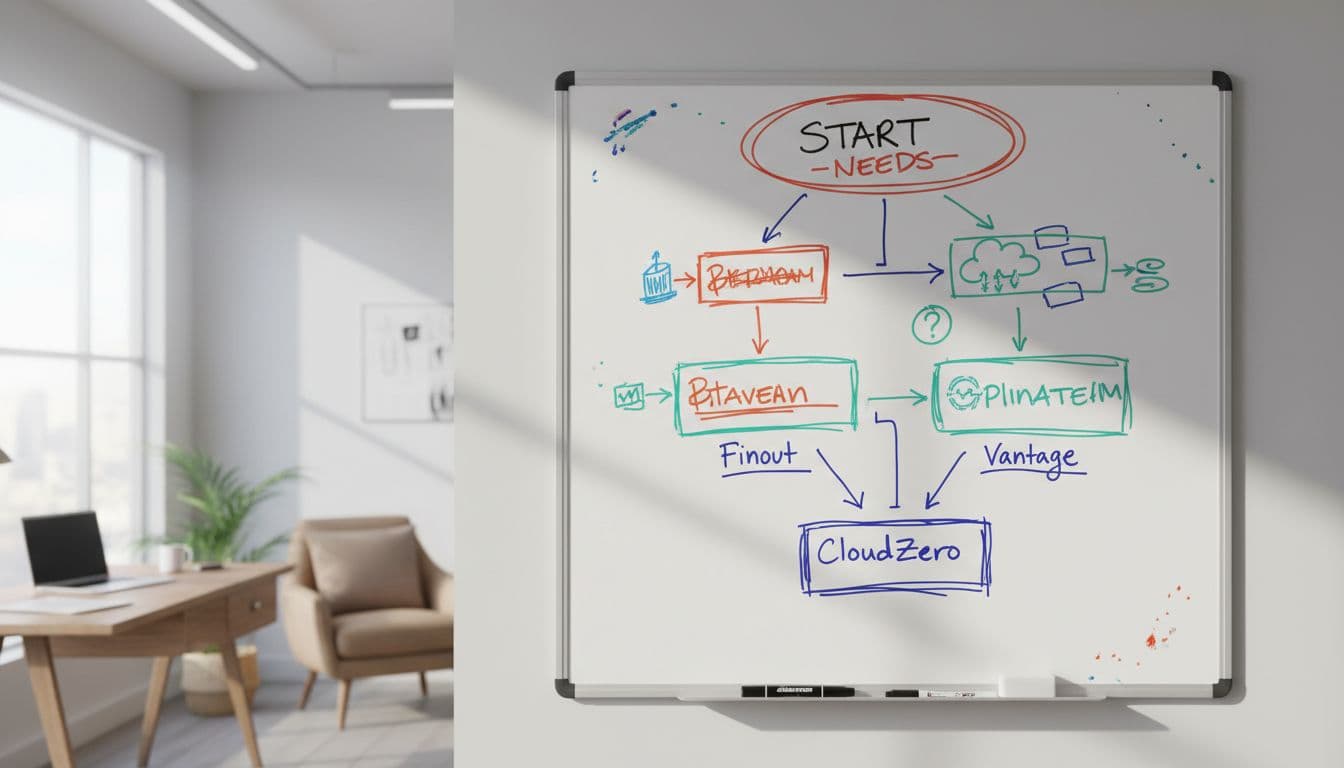
Decision tree for three common scenarios
Scenario A: Kubernetes-heavy SaaS (multi-tenant) If Kubernetes and shared infra dominate, prioritize allocation rules and unit cost. Start with CloudZero when unit economics is the main output, or Finout when fixing messy ownership is step one.
Scenario B: Multi-account AWS enterprise with chargeback If finance needs showback by cost center, prioritize allocation coverage, exports, and governance. Finout often fits “allocation first.” Vantage can fit if reporting and adoption is the bigger blocker than allocation logic.
Scenario C: Early-stage startup needing fast visibility If you want answers this week, not perfect attribution, start with Vantage for quick reporting and simple sharing. Add deeper allocation and unit metrics once your tagging and service map stabilizes.
What to measure during a pilot
Track outcomes, not screenshots. Measure time-to-insight, allocation coverage percent, unit cost stability (does it jump for no reason), alert precision (how many alerts mattered), and stakeholder adoption (weekly active viewers, saved reports, owners assigned).
A 14-day pilot plan with daily tasks and acceptance criteria
A two-week pilot is enough to learn if the tool fits your habits and data.
| Day | Task | Acceptance criteria |
|---|---|---|
| 1 | Confirm scope, owners, and data sources | One named owner, one backup, and a source list |
| 2 | Provision billing access (AWS CUR, etc.) | Tool ingests at least one cloud source |
| 3 | Import org structure (accounts, teams) | Teams map to accounts or cost centers |
| 4 | Define tagging standard and gaps | Required tag keys documented, gaps listed |
| 5 | Build first allocation rules | 60% of spend assigned to an owner |
| 6 | Add Kubernetes data (if used) | K8s costs appear and map to namespaces or services |
| 7 | Create two stakeholder reports | Finance and engineering views saved |
| 8 | Configure anomaly alerts | Alerts sent to one channel, tuned to reduce noise |
| 9 | Validate shared cost allocation | Shared services split rule documented and repeatable |
| 10 | Build one unit metric | Cost per customer or workload shown for 7 days |
| 11 | Run a “last spike” investigation | Root cause explained in under 30 minutes |
| 12 | Budget or forecast check | Forecast directionally matches your expectation |
| 13 | Stakeholder review | Two stakeholders confirm it’s usable weekly |
| 14 | Go or no-go decision | Clear wins, clear risks, next-step plan |
Plan for a few common limits upfront: data latency from billing exports, extra costs from CUR or BigQuery pipelines, poor tag hygiene, politics around chargeback, and misleading unit metrics (a “cost per customer” graph can lie if customer activity changes).
Unit economics works best when you pair cost with a stable product usage metric, not vanity counts.
Bottom line: pick the tool that makes your next cost decision easier, not the one with the most charts. Run the 14-day pilot, score it honestly, then commit to the workflow you’ll keep using when things get busy. If you want one fast next step, define your tagging standard and your first unit metric today, then test which platform makes both feel painless.
