A new user can lose momentum long before they decide whether your product is useful. For small SaaS teams, Userflow review research often starts with one practical question: can this tool help users reach an activation event without adding a major engineering project?
Userflow is a no-code platform for in-app onboarding and product adoption. It offers product tours, checklists, banners, surveys, and a resource center, while also supporting targeting and integrations. The right fit depends on your data model, release process, and the amount of control your team needs.
Key Takeaways
- Userflow lets teams build in-app guides, checklists, announcements, surveys, and support resources without coding each experience from scratch.
- Its targeting can support different onboarding paths for user attributes, account attributes, and product behavior, but teams should validate every audience rule.
- Product analytics and experiments are useful only when activation events and success measures are defined before a guide goes live.
- Monthly active user pricing can rise as adoption grows, so model future MAU bands before signing an annual plan.
- A trial should include staging tests, accessibility checks, localization review, event validation, and integration testing.
Userflow Review: What the Platform Does
Userflow is built for SaaS teams that need to guide people inside a web product. Its visual builder supports flows that can introduce an interface, highlight an action, collect feedback, or direct users to help materials. The platform’s user onboarding product page lists tours, tooltips, checklists, surveys, and support-oriented experiences as core use cases.
That scope makes sense for product-led businesses with a clear first-value moment. A project management app might guide a new workspace owner to create a project, invite a teammate, and assign a task. A reporting product might instead guide a user to connect a data source and view a first dashboard.
The important distinction is that a guide is not the onboarding strategy. Userflow can present the right next step, but your product still needs a clear path to value. If first-time users face missing data, confusing permissions, or a lengthy setup requirement, an attractive tooltip won’t resolve the underlying issue.
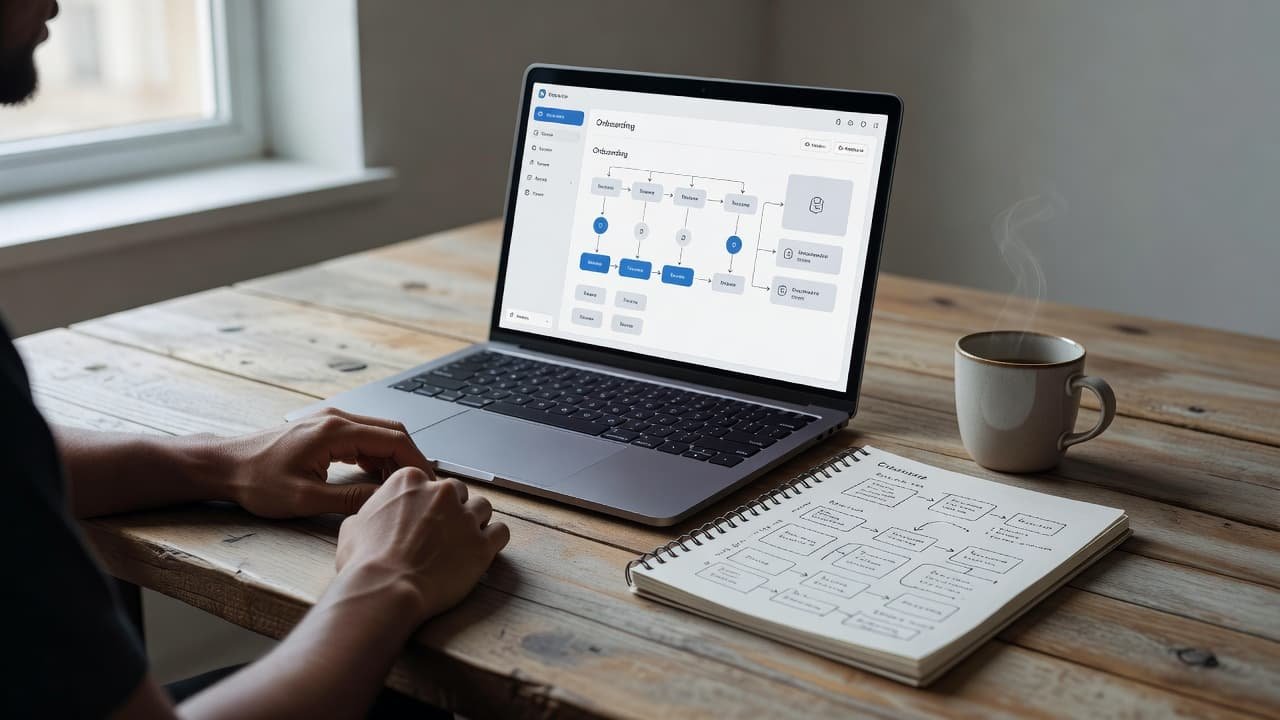
For a founder or no-code operator, the appeal is speed. Marketing and customer success teams can often own copy, sequencing, and visual changes instead of waiting for a product release. Still, a developer should be involved early to confirm installation, page targeting, event collection, and any conflicts with your app’s own modals or navigation.
A guided step is helpful only when it appears after the user has enough context to act on it.
Building In-App Guidance Without Overloading Users
Userflow gives teams several formats, and each has a different job. Tours work best when a user needs orientation around an unfamiliar screen. Checklists can keep longer setups visible across sessions. Banners fit release notices or temporary calls to action. Surveys collect context that product analytics may miss.
A resource center can also give users a stable place to find help. That reduces pressure to cram every answer into the first session. The Userflow platform overview also positions the product around adoption, not only new-user tours, so teams can build guides for feature discovery and account expansion after initial setup.
Restraint matters. A full-screen modal at login, followed by six tooltips, can delay the exact work a customer came to do. Start with a single goal per flow. For example, a billing app could prompt an account owner to add a payment method only after they create an invoice. It should not show that prompt to an accountant who cannot manage billing.
Before publishing, review each flow against these questions:
- Does the guide lead to one observable product action?
- Can a user dismiss it, resume later, or find help without repeating it?
- Does the guide cover a real friction point, rather than a feature the team wants to promote?
- Will the selected element stay stable through upcoming interface releases?
A short path with clear exit options usually holds up better than a tour that attempts to explain the entire product.
Segmentation and Targeting Determine Relevance
The best Userflow review should focus less on templates and more on who sees each guide. A product with multiple roles needs different onboarding for administrators, contributors, and viewers. A one-person business may only need a simple new-user flow. A B2B SaaS company selling to larger accounts may need account-level logic based on plan, lifecycle stage, or company attributes.
Userflow supports user and company profiles, along with behavior-based conditions. Higher plan details reported for 2026 include company-level targeting and additional environment options. Those features matter when onboarding depends on account status rather than a person’s actions alone.
However, targeting rules can become hard to maintain. A flow might trigger for a trial user who was later converted to a paid plan, or for an administrator who already finished setup through another route. Treat every condition as production logic, because users experience it that way.
Run these checks during a trial:
- Create test accounts for each role, plan, and lifecycle state you support.
- Test positive and negative audience rules, including users who should never see a guide.
- Trigger the same flow on first visit, return visit, and after the target action is complete.
- Check how anonymous visitors, invited users, and merged account records behave.
- Document ownership for changing segments when pricing, permissions, or product navigation change.
Integrations deserve the same care. Userflow publicly lists connections with tools such as HubSpot, Salesforce, Segment, and Zapier. Confirm which data direction you need. Sending a completion event to a CRM is different from using CRM fields to decide which guide appears.
Analytics and Experiments Need a Defined Activation Event
A guide completion rate can look healthy while activation stays flat. Users may click “Next” through every step without connecting an integration, adding their first record, or completing the action that predicts product value.
Define activation before building the flow. Choose an event that signals meaningful setup or repeatable use. For instance, a customer support SaaS product might treat the first successfully connected inbox as activation. A scheduling platform might use the first published booking page.
Then track the steps that lead there. Userflow offers event tracking and analytics capabilities, while higher tiers are reported to include more advanced optimization and export options. During evaluation, determine whether its reporting answers your actual questions or whether your team needs Amplitude, Mixpanel, a warehouse, or another system as the source of truth.
A useful experiment changes one meaningful variable at a time. Test a checklist against a short contextual prompt, for example, and compare the rate of completed activation events. Don’t compare two flows that also differ in audience, timing, and product release context.
Review these analytics requirements with your team:
- The event names and properties needed for targeting and reporting
- Identity resolution between your app, CRM, and analytics tools
- Data export, retention, and warehouse requirements
- A method for excluding internal users and test accounts
- A baseline period before judging a new onboarding flow
Without that discipline, experimentation can turn into a collection of screenshots and opinions.
Governance, Accessibility, and Localization Are Practical Requirements
No-code publishing removes bottlenecks, but it also creates governance work. Decide who can create, edit, approve, and publish flows. A small startup may assign ownership to one product marketer with a developer as reviewer. Larger teams need clearer permissions and a release process.
Check whether flows can be tested in a staging environment before production. A third-party overview of onboarding tools notes that Userflow supports multiple environments for building and testing. Confirm the number included in your proposed plan and test your own staging setup, rather than relying on a feature list.
Accessibility needs direct review. Test keyboard navigation, focus behavior after a modal opens, screen-reader labels, contrast, close controls, and reduced-motion preferences. Also inspect mobile and smaller browser widths if your product supports them.
Localization needs more than a translation toggle. Confirm whether guides handle longer text, right-to-left languages, localized dates, and different product terminology. Review who owns translations and how changes move through approval. Reported plan details place localization in higher tiers, so verify its availability before budgeting around it.
Pricing and Trade-Offs for Small SaaS Teams
Userflow uses monthly active users as a major pricing input. Public 2026 pricing reports place the Startup plan around $240 per month on annual billing, or $300 month to month, for 3,000 MAUs. Reported Pro pricing is around $680 monthly on annual billing, or $850 month to month, for 10,000 MAUs. Enterprise pricing is custom.
Treat those figures as a starting point, not a final quote. Ask for your MAU definition, overage price, additional environments, seats, AI credits, support terms, and renewal uplift in writing. A product that is affordable at 3,000 active users can look different after a successful acquisition campaign.
The main trade-off is focus. Userflow is designed around in-app adoption work. Teams seeking a broader product analytics suite, detailed session replay, or deep enterprise digital adoption controls may need a separate platform or a different category of tool. Conversely, a very small product with one simple onboarding screen may find that native UI and basic event tracking are enough.
Final Assessment
This Userflow review points to a practical tool for teams that want to ship targeted in-app guidance without building every experience in product code. Its strongest fit is a SaaS product with clear activation events, reliable user data, and someone accountable for maintaining onboarding after launch.
A successful evaluation depends on the details: correct segments, stable event data, tested guide behavior, accessible interaction patterns, and pricing that still works at your next MAU range. Relevant guidance matters more than the number of onboarding flows you can publish.
