A renewal forecast usually fails for a boring reason: the dates and deal rules don’t match. If HubSpot shows the wrong month, wrong owner, or two renewal deals for one contract, the report is broken before anyone reads it.
Good HubSpot renewal forecasting starts with one operating model, then turns that model into properties, pipeline rules, workflows, lists, and reports. Build those pieces in the right order, and your forecast gets much easier to trust.
Start with one renewal operating model
Before you create fields or workflows, decide what a renewal record means in your portal. That sounds small, but it controls everything after it.
The cleanest setup is one renewal deal per active contract or subscription term. That deal should carry the amount you expect to renew, the expected close date, the owner, and the current stage. In most SaaS teams, that works better than trying to forecast from company properties alone.
A separate renewal pipeline is usually the right choice. New business and renewals move on different rules, and they should not share stage logic unless you have strict standards. A rep can move a new logo deal from demo to proposal. A renewal motion often starts 90 days before contract end, depends on usage or health, and may include downgrade risk. Those are different motions.
If you mix both in one pipeline, you need guardrails. At minimum, require a deal type property, separate report filters, and distinct forecast rules. Otherwise, new ARR and renewal ARR will blend together. That makes forecast reviews noisy and hides churn risk.
One more choice matters early: where the source date lives. If each customer has one contract, a company-level contract end date can work well. If one customer has several products or terms, a single company renewal date will fail fast. In that case, keep the contract identifier and timing on each renewal deal, or move to a more advanced object model if your portal supports it.
For a practical reference on pipeline structure, this renewal pipeline walkthrough is useful context.
Build the pipeline and property structure first
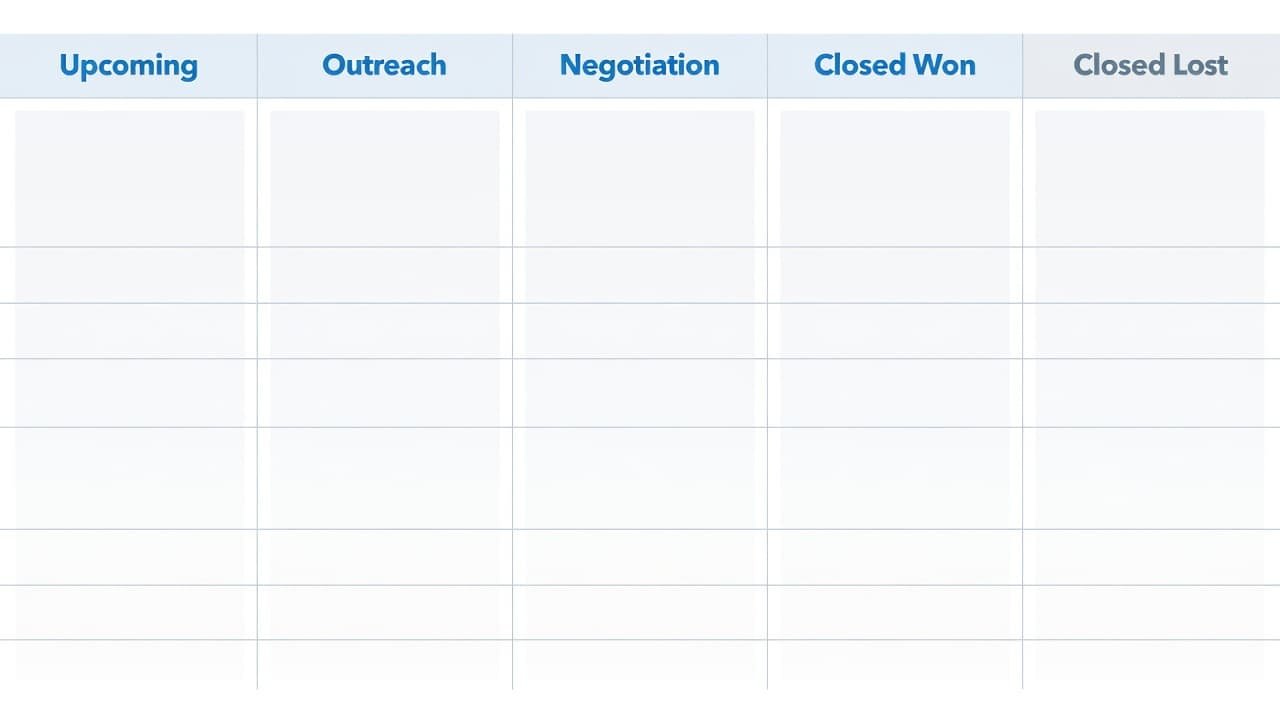
Create a dedicated pipeline named “Renewals” or something equally plain. Then add stages that match how your team works, not how a net-new sales cycle works.
A simple pipeline often looks like this:
- Upcoming
- Working
- Decision pending
- Closed won
- Closed lost
Use stage probabilities only if owners will keep stages current. If your team barely updates deals, weighted forecasting will only dress up stale data.
Next, build the property structure. Put slow-changing customer facts on the company record. Put forecast-driving values on the renewal deal. This split keeps reports cleaner and reduces manual edits.
This field set is a good base:
| Property | Object | Type | Why it matters |
|---|---|---|---|
| Contract or subscription ID | Company or Deal | Single-line text | Prevents duplicate renewal records |
| Contract end date | Company or Deal | Date picker | Triggers workflows and sets timing |
| Current ARR or renewal base amount | Company | Currency or number | Gives the baseline value |
| Customer health | Company | Dropdown | Flags risk before the renewal stage changes |
| Renewal owner | Company or Deal | HubSpot user | Sets accountability |
| Renewal close date | Deal | Date picker | Drives forecast month or quarter |
| Renewal amount | Deal | Currency | Feeds forecast value |
| Renewal motion | Deal | Dropdown | Flat, upsell, downgrade, churn |
| Renewal outcome reason | Deal | Dropdown | Explains losses and contractions |
Use one naming rule for renewal deals. For example, “Acme | Renewal | 2026-09-30”. That makes search, dedupe, and exports much easier.
Don’t allow a renewal deal to stay open without an owner, close date, amount, and unique contract ID.
Also decide how forecast categories map to stages. For example, “Upcoming” might map to Pipeline, “Working” to Best Case, “Decision pending” to Commit, and closed stages to Closed. Keep the mapping simple, then document it in your pipeline management notes.
If your team quotes plans, usage tiers, or term changes in HubSpot, this CPQ and renewals guide helps frame when package data should feed the renewal process.
Automate renewal creation, reminders, and ownership
Once the pipeline and fields exist, add automation. Workflows should create consistency, not hide bad data. If the source fields are loose, the workflow will multiply the mess.
A common setup is a date-based workflow that creates a renewal deal 90 days before contract end. Some teams prefer 120 days for enterprise terms, while smaller self-serve contracts may need less lead time. Pick one rule based on your sales cycle.
A practical workflow looks like this:
- Enroll companies when the contract end date is known and the customer is active.
- Check whether a renewal deal already exists for the same contract ID and term.
- Create a renewal deal in the renewal pipeline, set the owner, amount, and close date.
- Copy over health, product, or plan fields that help the owner work the deal.
- Create follow-up tasks at 90, 60, and 30 days, or adjust the timing to fit your process.
If your portal supports advanced workflow actions, add a branch for at-risk accounts. For example, if health is red or there is an open escalation, assign the deal to the account owner and notify a manager. If your workflow options vary by hub or tier, verify them in your portal before you depend on branching, custom code, or forecasting automations.
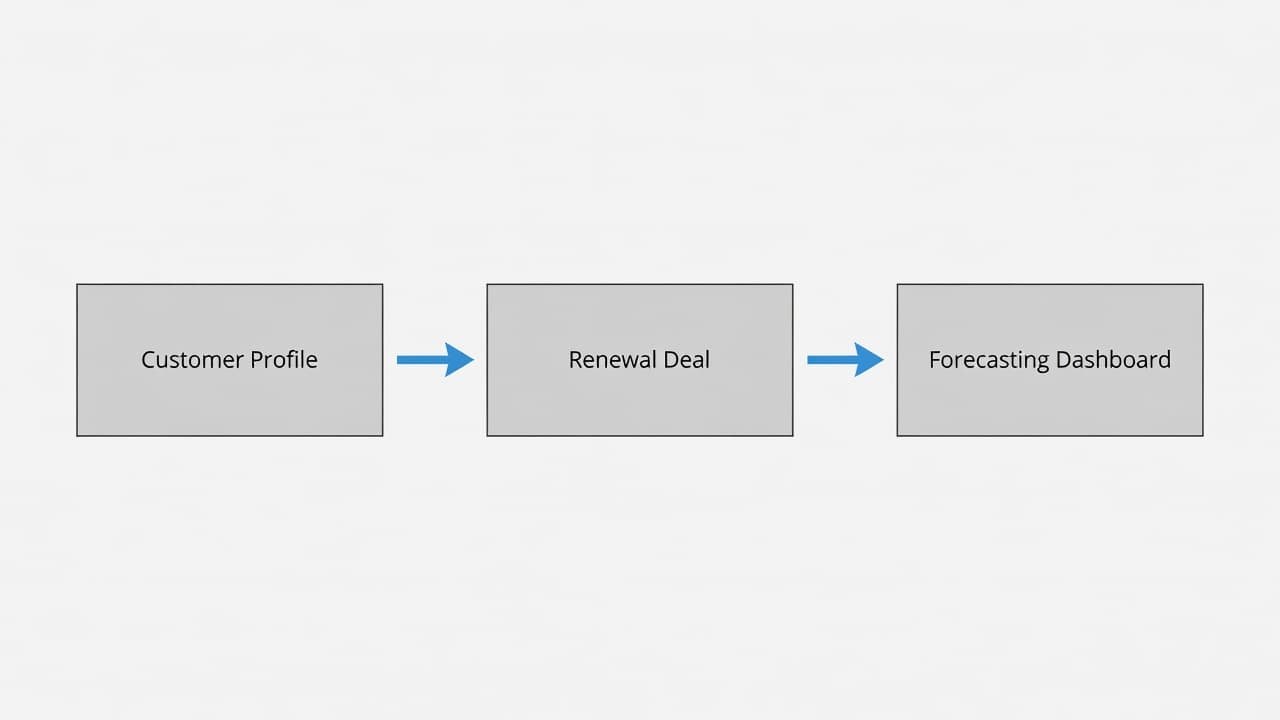
Lists also matter, but not as the core forecast. Use them for operational control. A company list for renewals due in 90 days helps CSMs work their book. Another list for missing contract dates catches data gaps early. A third list for red-health accounts with renewals inside 60 days gives leadership a clean risk queue.
This is also where CRM data hygiene pays off. If lifecycle stages, owners, and contract dates drift, the automation will keep creating the wrong records. Fix the source records first, then turn on the workflow.
Set up forecast views and renewal reports
With renewal deals flowing, move into the forecast layer. In HubSpot, the forecast depends on a few fields more than anything else: amount, close date, stage, owner, and forecast category.
That means your team needs one hard rule for the close date. Use the expected renewal signature date, billing date, or contract end date, but use the same rule every time. If one owner uses the term end date and another uses the proposal send date, monthly forecast views will swing for the wrong reason.
Forecasting views can vary by subscription tier, permissions, and portal setup, so check what your account supports. In many portals, you can review forecast totals by owner and period, and some accounts also show weighted or AI-assisted prediction views. Those can help, but they should sit on top of a clean base model, not replace it.
Build a small report set first:
- Renewal amount due by month
- Renewal forecast by owner
- Closed won renewal rate
- Churned or downgraded value by month
- Open at-risk renewals inside 30, 60, and 90 days
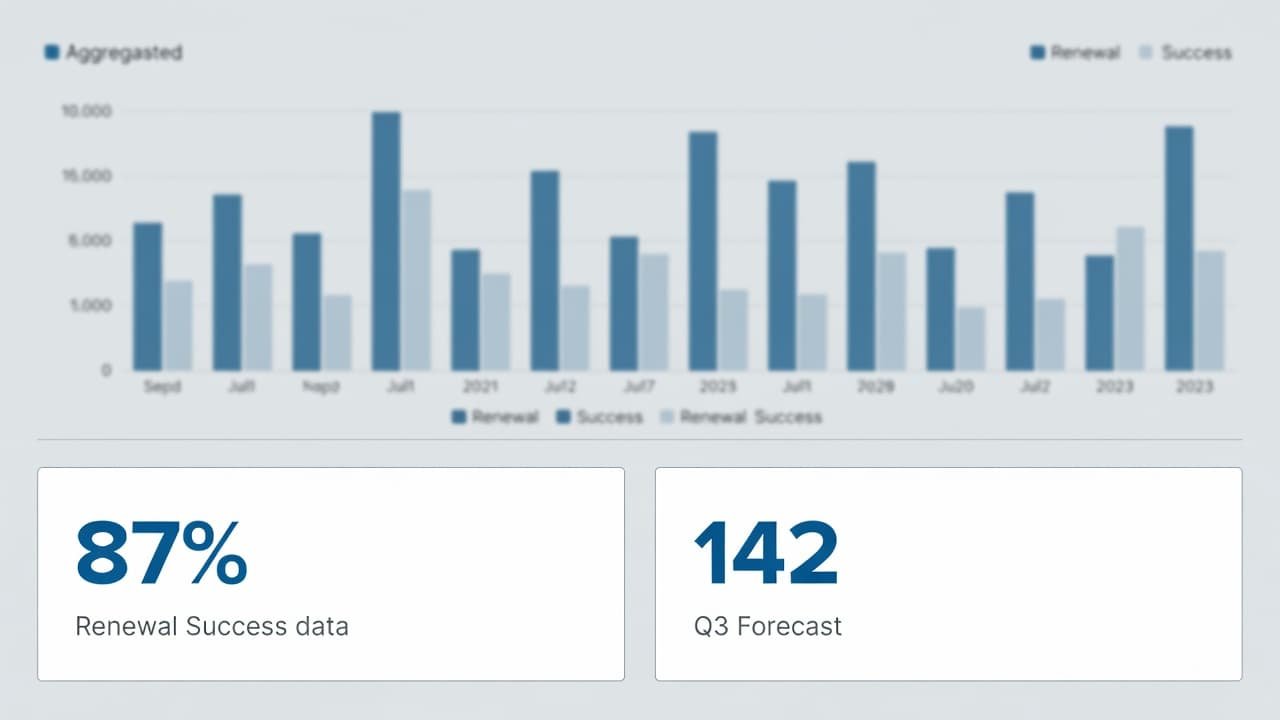
Keep renewal reporting separate from new business reporting, even if both roll up to total revenue. That split makes sales reporting clearer and exposes whether shortfalls come from churn, slippage, or weak new logo volume.
If you push data into BI, verify feature access before you promise a warehouse sync. As of 2026, HubSpot has discussed forecast API access in beta for some use cases, but availability can change. For broader context on how renewal data fits SaaS planning, HubSpot for SaaS planning gives a wider view.
Failure points that ruin the forecast
The first failure point is bad date hygiene. A blank contract end date stops deal creation. A wrong year shifts renewals into the wrong quarter. A close date that lags the true renewal month distorts forecast reviews. Run a saved view or list for missing and outlier dates every week.
The second is duplicate renewal records. This usually happens when a workflow creates a deal and a rep also creates one by hand. Use a unique contract ID, check for existing open renewals before creation, and lock down manual creation if needed.
The third is unclear ownership. If the account owner, renewal owner, and closer are different people, define the rule in writing. One field should drive forecast rollups. Another field can track support coverage if needed.
The fourth is mixing new business and renewals without rules. That setup can work, but only if deal type, stage use, reporting filters, and forecast categories are tightly managed. Most small teams get cleaner data from a separate renewal pipeline.
Finally, don’t overload the model. If you are new to HubSpot workflows or pipeline management, start with one pipeline, nine or fewer custom fields, one creation workflow, and a small report set. You can add health signals and expansion logic after the core process holds up for a full quarter.
Conclusion
A renewal forecast becomes trustworthy when the setup is boring in the right way. The data model is clear, the pipeline is separate, the workflow creates one record per contract, and the forecast uses consistent dates.
If you remember one rule, make it this: clean inputs beat clever reporting. Once the record structure is stable, HubSpot can give operators a forecast they can review, explain, and improve.
