If your team can’t agree on what “activation” means, no analytics tool will save the data. A solid event tracking plan fixes that first.
For SaaS teams, the plan is the source of truth before any vendor review or implementation work starts. It defines each event, its trigger, required event property and user property, the owner, and the downstream use case. Once that exists, tool selection gets easier because you’re buying against clear needs.
Start with decisions, not data collection
Many teams begin by tagging clicks and page views. That creates noise fast. Start with the decisions you need to make in the next quarter.
Write those decisions in plain language. For example, you may need to improve signup conversion, measure activation, spot feature adoption, or identify expansion intent. Then attach one downstream use case to each decision, such as a dashboard, alert, audience, experiment, or weekly review.
This approach lines up with this guide on creating a tracking plan, which starts from the questions your team needs answered. It also keeps scope sane. Most SaaS products need a small first version, not hundreds of events on day one.
If an event has no downstream use case and no owner, it shouldn’t ship yet.
That rule prevents “maybe useful later” tracking from filling your schema with junk.
Map the few events that define your funnel
Next, map the events that describe your product’s core user path. Keep the first pass tight. Focus on signup, onboarding, activation, engagement, and monetization.
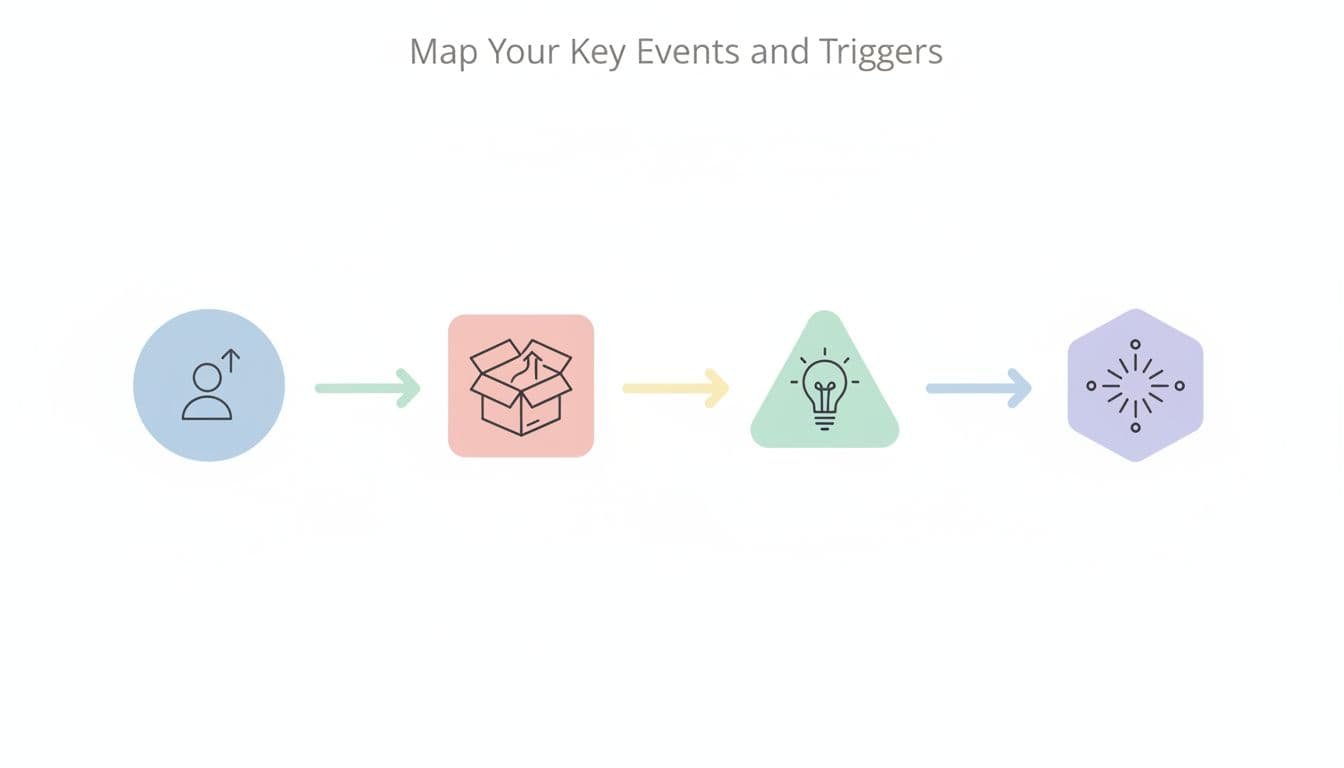
Each event needs a precise trigger. signup_completed should fire when the account record exists after verification, not when someone clicks “Create account.” That difference matters because vague triggers create double counts and broken funnels.
Keep the distinction between an event, an event property, and a user property clean. An event is an action. An event property describes that action, such as signup_method or template_type. A user property describes the person or account over time, such as role, plan_tier, or company_size. As this explanation of action-based tracking notes, actions belong in events, while details belong in properties.
Build a source-of-truth table your whole team can use
Your tracking plan should live in one shared document or sheet. That document is the source of truth. Product defines the meaning, engineering confirms the trigger, analytics checks the schema, and the owner accepts the downstream use case.
A simple table works well:
| Event | Trigger | Event properties | User properties | Owner | Downstream use case |
|---|---|---|---|---|---|
signup_completed | Account created after email verification | signup_method, plan_selected, utm_source | role, company_size | Growth | Measure signup conversion by channel |
workspace_created | First workspace saved | template_type, member_count | signup_cohort, role | Product | Define activation rate |
invite_sent | Invite API returns success | invite_count, invite_method | plan_tier, role | Product marketing | Track collaboration adoption |
subscription_upgraded | Billing confirms plan change | old_plan, new_plan, billing_interval | account_age_days, seats_active | Revenue ops | Measure expansion conversion |
If you want extra column ideas, this tracking plan template guide is useful context. Still, the core fields above are enough to start.
Notice what makes the table useful: one clear trigger, one owner, and one downstream use case per row. That turns the plan into a working reference, not a wish list.
Set naming rules, then prioritize phase one
Pick one naming convention and keep it everywhere. For most SaaS teams, snake_case with an object_action pattern works well: workspace_created, invite_sent, report_exported. That style is readable, sortable, and easy to query. This event naming guide gives practical examples.
Also, don’t create separate events for every variant. Use an event property instead. report_exported with report_type="pdf" is better than pdf_report_exported.
After naming, prioritize. Use a simple 2×2 with business impact on one axis and implementation ease on the other. Ship high-impact, low-risk events first.

A good phase-one set often includes your core funnel, one or two feature adoption events, and one failure event. That’s enough to learn without creating cleanup work later.
Before implementation starts, add a light governance checklist:
- Every event has one owner.
- Every event property has a data type and allowed values.
- Every user property has a source and refresh rule.
- Every schema change updates the source of truth before release.
- Every critical event has QA and data quality monitoring.
This is also where your event taxonomy, product analytics implementation notes, customer data architecture, and UTM governance should point back to the same source of truth.
Turn the plan into tool requirements
Now the tracking plan can drive evaluation. You’re no longer shopping by feature page or dashboard polish. You’re checking whether a tool supports your required event structure and workflow.
At a minimum, the tool should handle client-side and server-side triggers, validate event names and properties, support user properties, and keep documentation tied to the schema. It should also make QA possible, keep change history, and feed each downstream use case without manual patchwork.
If your plan includes billing events, for example, the tool must handle server events well. If the source of truth defines strict property standards, the tool must help enforce them. That is the real value of doing the planning first.
Next steps
A tracking plan is the contract between business questions and implementation. When the source of truth is clear, tool selection becomes a requirements exercise instead of a guessing game.
Use this short checklist to move from planning into evaluation and rollout:
- Approve the phase-one events, triggers, owners, and downstream use cases.
- Turn each row into an implementation ticket with QA steps and expected properties.
- Create a tool scorecard around schema controls, user property support, identity handling, QA, monitoring, and export options.
- Pilot the core funnel first, then add secondary events after the data passes review.
- Revisit the source of truth after each release, not after the dashboards break.
